
















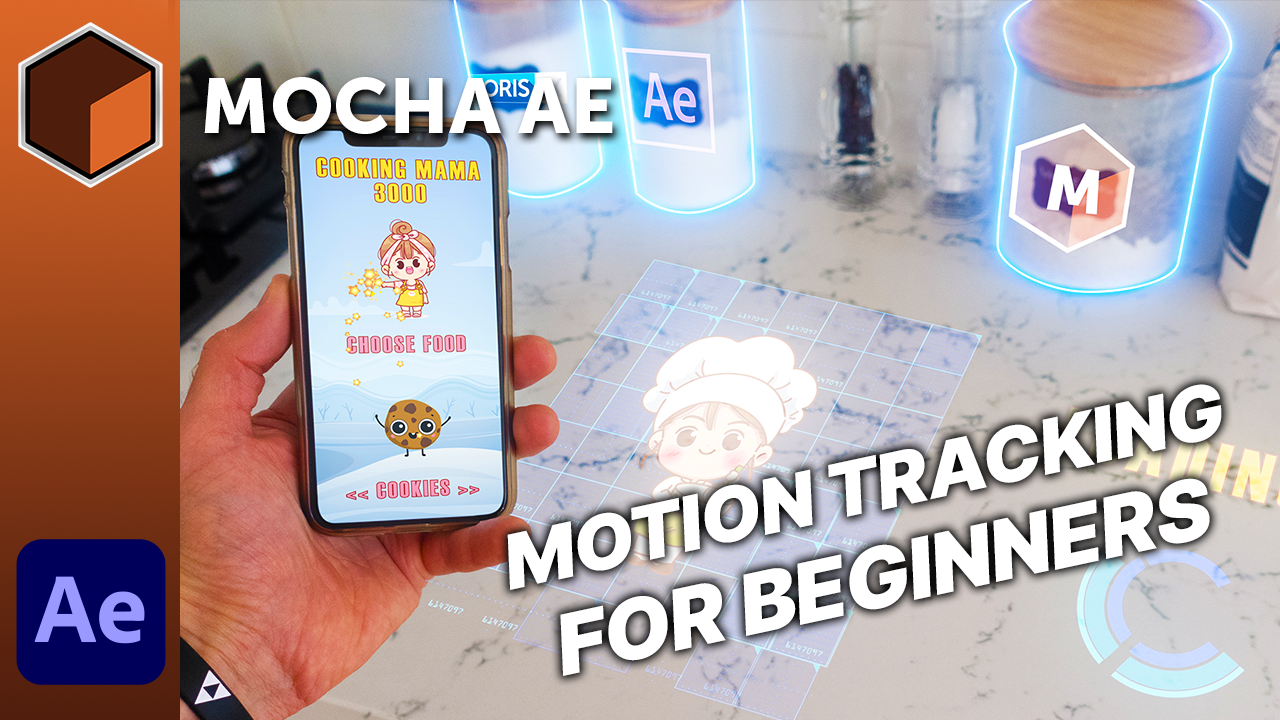
Want to learn motion tracking in Adobe After Effects? Mocha AE is the powerful FREE planar tracking plugin included inside Adobe After Effects! Learn how to use Mocha to track and insert screens and hold out moving objects so you can place visual elements behind them.
Special guest instructor, Tobias from the popular YT training channel, Surfaced Studio created this useful training video with sharable source assets to follow along.
Steps by timecode:
- 0:00 Introduction
- 3:00 Tutorial Start
- 4:16 Mocha AE Introduction
- 5:11 Planar Tracking Basics
- 6:44 Shapes vs the Planar Surface
- 9:13 Track Motion Options
- 10:02 Tracking in Mocha AE
- 11:02 Solving Tracking Problems with Hold Out Shapes
- 15:32 Defining the Area for the Screen Insert
- 16:08 Creating the Screen Insert
- 19:54 Creating Mattes & Rotoscoping in Mocha AE
- 22:37 Linking Layers in Mocha AE
- 24:47 Creating Rotoscoping Shapes
- 28:30 Generating Masks in After Effects
- 31:50 Adding Glow to the Screen Insert
- 32:51 Tutorial Extension
Subscribe to our newsletter
Get all the latest news, blog posts and product updates from Boris FX, delivered directly to your inbox.
Welcome!
Thanks for opting-in to our newsletter. You'll receive an email momentarily with your confirmation.
