
















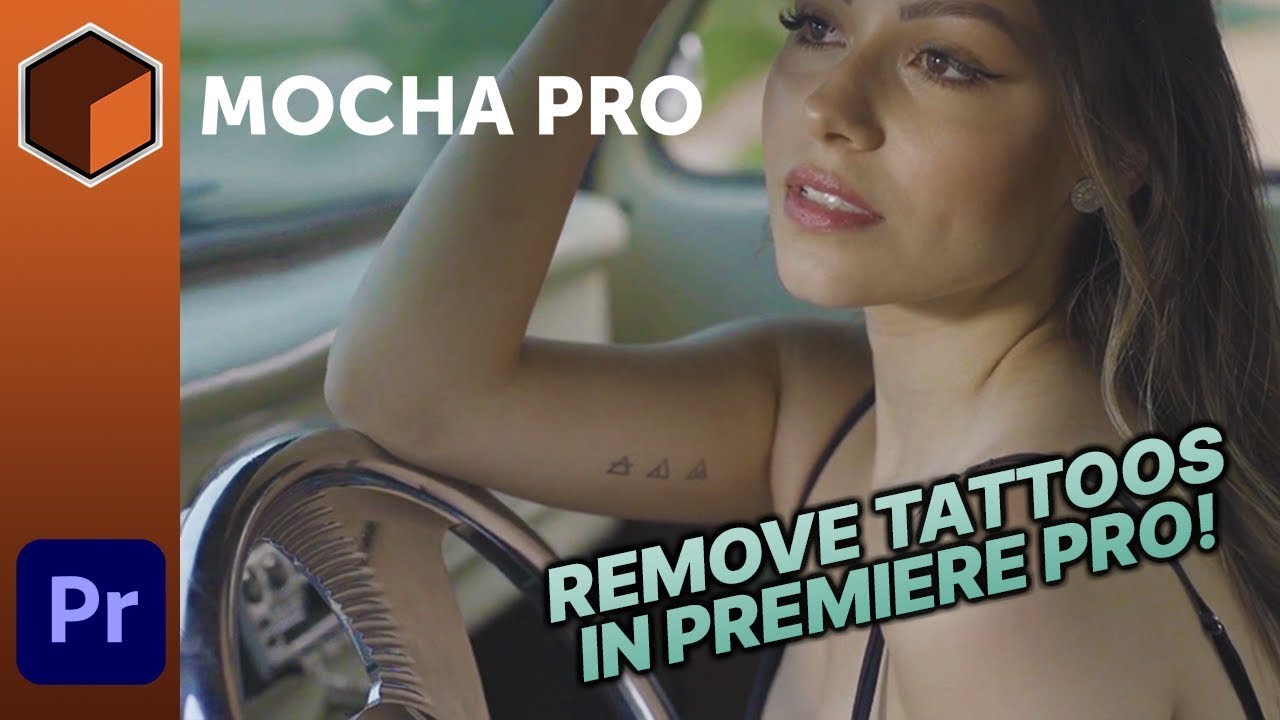
Mary Poplin shows Adobe Premiere Pro video editors how to digitally remove a tattoo (or any unwanted object) using Mocha Pro. Avoid jumping into After Effects to tackle this common digital makeup challenge.
You’ll use Mocha Pro’s planar tracking and Remove Module in conjunction with Adobe Photoshop to create a clean frame that is linked in the Remove Module to seamlessly match lighting and color changes.
Subscribe to our newsletter
Get all the latest news, blog posts and product updates from Boris FX, delivered directly to your inbox.
Welcome!
Thanks for opting-in to our newsletter. You'll receive an email momentarily with your confirmation.
