
















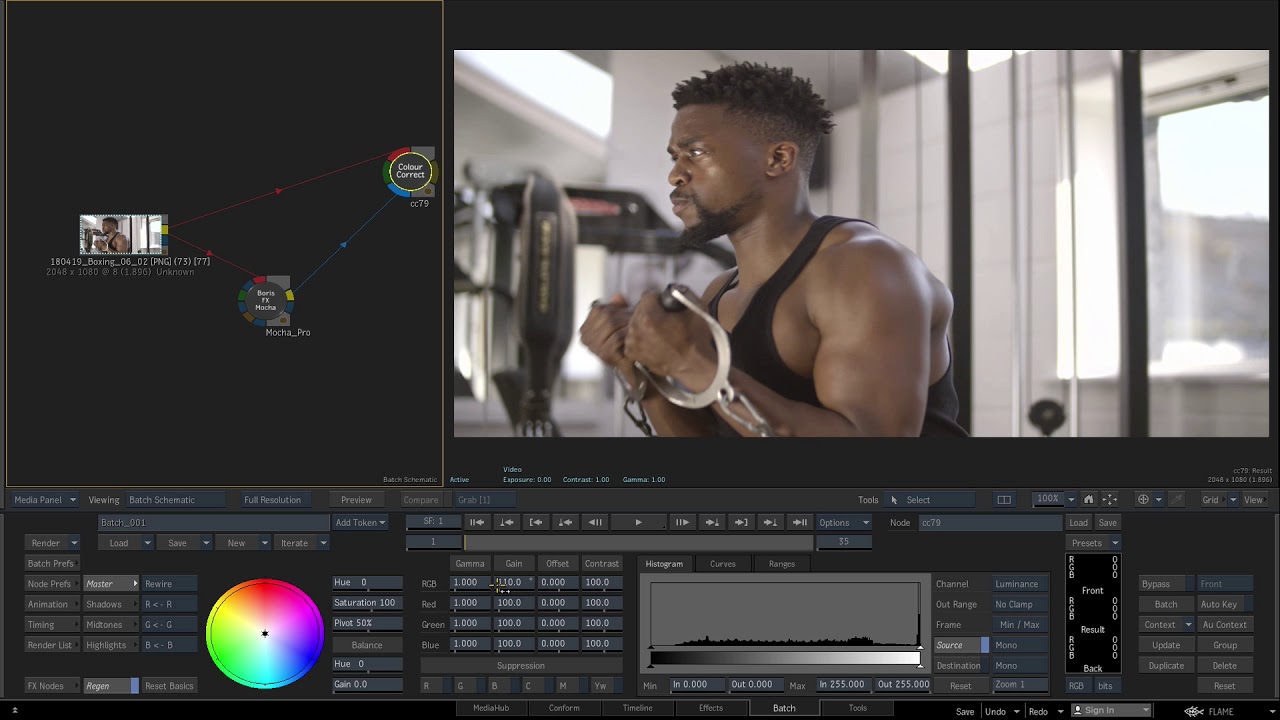
Mocha Pro 2019.5 now supports Autodesk Flame 2020 as an OFX plug-in. Launch the Mocha Pro interface directly from Flame for powerful planar tracking, masking, object removal, stabilization, 360/VR support and more.
In this tutorial, Dan Harvey reviews the general workflow to launch the Mocha Pro plug-in, exchange data and render shots.
Mocha Pro can export:
- Planar tracking data,
- Flame GMASKs for roto
- BX for 3D camera solves.
Mocha Pro can render shots directly to Flame:
- Lens Correction
- Inserts with Mesh Warp
- Object Removal
- Stabilization
Did you know? Boris FX Sapphire and Mocha Pro can share Mocha project setups for workflow compatibility!
Subscribe to our newsletter
Get all the latest news, blog posts and product updates from Boris FX, delivered directly to your inbox.
Welcome!
Thanks for opting-in to our newsletter. You'll receive an email momentarily with your confirmation.
