
















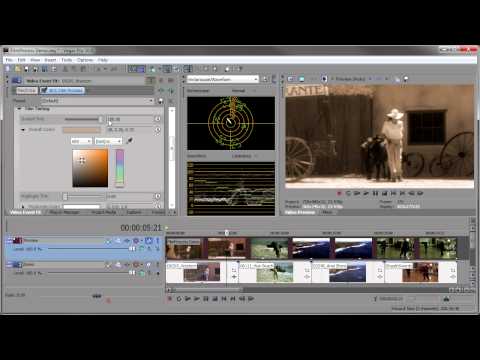
John Rofrano shows you how to make your video look like film with Boris
Continuum Complete ’s
Film Process filter.
Filters Used Include: Film Process, Film Grain
Featured Unit: Film Style
Subscribe to our newsletter
Get all the latest news, blog posts and product updates from Boris FX, delivered directly to your inbox.
Welcome!
Thanks for opting-in to our newsletter. You'll receive an email momentarily with your confirmation.
