
















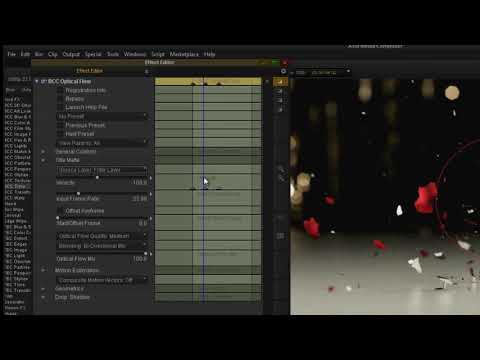
Discover how to speed up, slow down, and reverse your clip using BCC Optical Flow . This step-by-step tutorial demonstrates what the BCC Optical Flow controls do, and walks you through the process of setting up a time-change effect.
Topics covered include: changing clip speed, setting frame rate, changing optical flow quality, and fine-tuning optical flow sensitivity to reduce artifacts.
Filters Used Include: Optical Flow
Featured Unit: Time
Subscribe to our newsletter
Get all the latest news, blog posts and product updates from Boris FX, delivered directly to your inbox.
Welcome!
Thanks for opting-in to our newsletter. You'll receive an email momentarily with your confirmation.
