Buy Now

Samplitude 2026

Performance that never misses a beat

Samplitude 2026

Performance that never misses a beat

Samplitude 2026

Performance that never misses a beat

Samplitude 2026

Performance that never misses a beat

Samplitude 2026

Performance that never misses a beat

Samplitude 2026

Performance that never misses a beat

Samplitude 2026

Performance that never misses a beat

Shape your sound precisely and without compromise

Samplitude is the DAW for audio professionals with the highest quality standards from recording to mastering. It combines the Hybrid Audio Engine for absolute sound neutrality with an object-based workflow and innovative editing features for recording , mixing, and mastering engineers.

Exclusive to Samplitude Suite: Native Dolby Atmos support, ADM integration, Spectral Editing at the track level, FX Routing Matrix, Soundly integration, and premium plugins from CrumplePop, 3D Reverb, Acon Digital Acoustica 7 Premium, Celemony Melodyne 5 Essential, Convology XT Complete, and Sound Forge 2026.
Over 100,000 satisfied users

Everything you need to shape, mix, and perfect your sound

Object-Based Editing

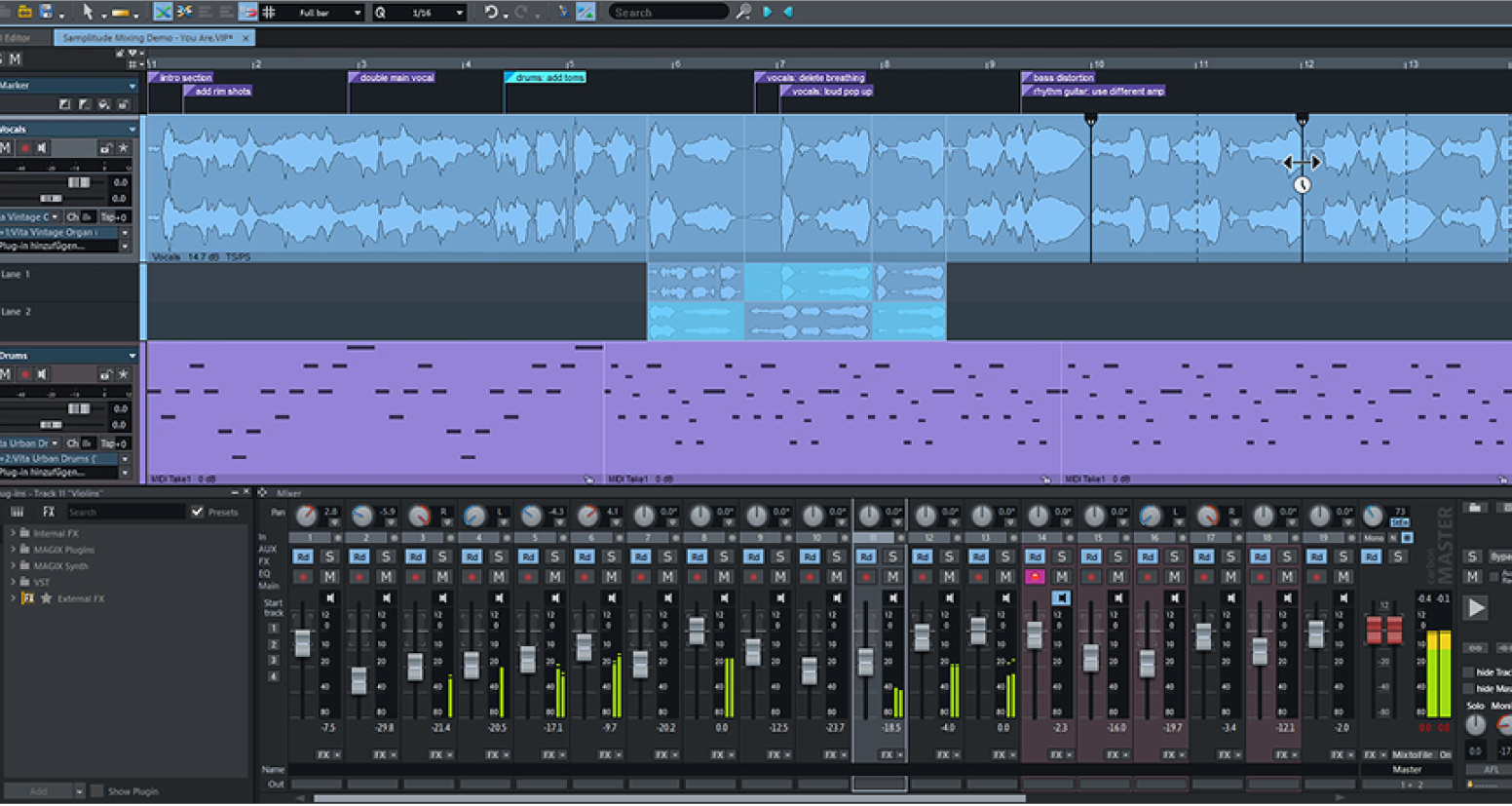
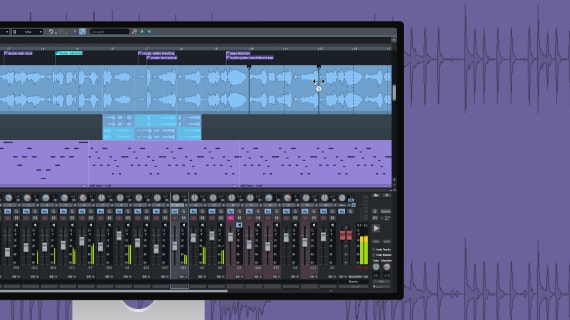
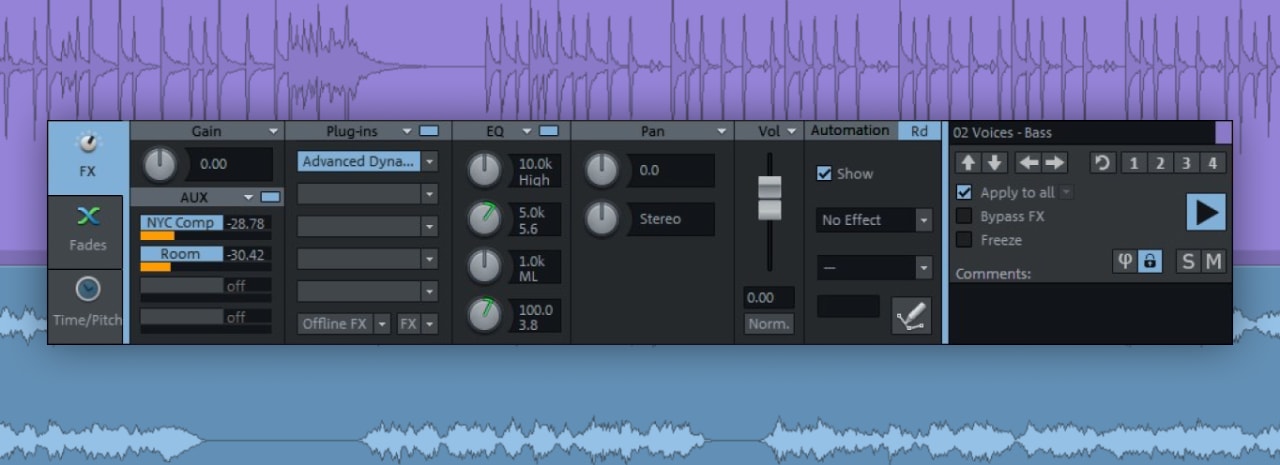
Edit even the smallest sections of large projects efficiently and precisely. Control plugins, sends, and automation directly in the Object Editor for each individual clip.

Flexible Recording

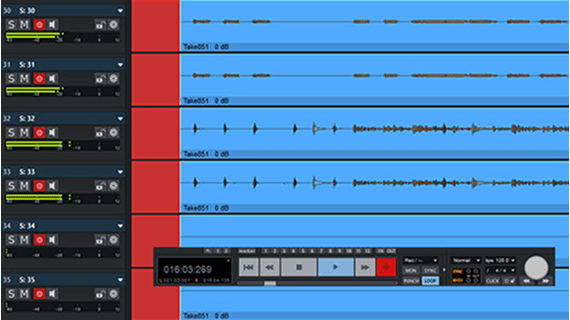
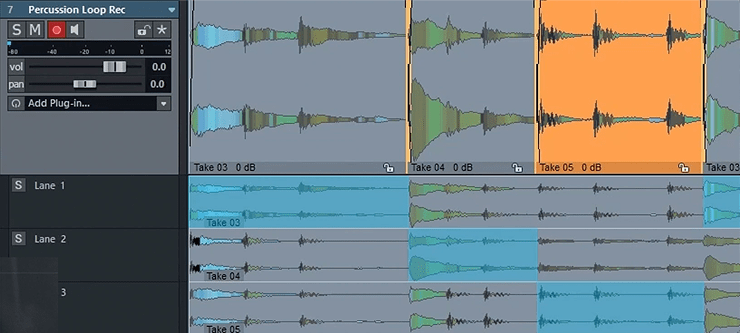
Create the highest quality recordings on up to 999 tracks with maximum stability. Combine your best takes clearly and effortlessly into the perfect version.

MIDI and Plugin Support

Seamlessly integrate a huge selection of plugins into your production process. Comprehensive MIDI functionality also offers full control, precision, and flexibility when composing.

Customizable Workspaces

Customize your workspace to your exact needs. Move, dock, and save windows to fit your workflow.

Virtual Instruments

Compose your own melodies with versatile virtual instruments. Import your own VSTI plugins to take advantage of the full range of the plugin market.

Mixing and Mastering Tools

Mixing and mastering tools Equalizers, compressors, limiters and more โ€“ optimize your mix with precise tools and bring your productions to a professional sound level.

Unparalleled sound, absolute audio neutrality

The Hybrid Audio Engine delivers uncompromising audio quality thanks to its unique latency management. Short response times when calculating track effects enable live monitoring with minimal latency.

The integrated High Latency Engine ensures more effective system utilization and enables the integration of computationally intensive object, AUX, and surround functions.

Exclusively in Samplitude Suite

Youโ€™re perfectly equipped for next-gen audio with this comprehensive bundle thanks to Soundly integration, FX Routing Matrix, native Dolby Atmos, and ADM integration. Discover premium plugins like CrumplePop, Celemony Melodyne, Acon Digital Acoustica 7, and Sound Forge 2026, as well as other exclusive features.

Soundly

Expand your creative toolkit with direct access to Soundlyโ€™s extensive sound library inside Samplitude. Discover, audition, and place sound effects, foley, atmospheres, and more in secondsโ€“simply right-click and โ€œSend to Samplitude.โ€ Need a similar sound to whatโ€™s on your timeline? Search for matching audio in Soundly directly from Samplitudeโ€™s file menu.

FX Routing Matrix

Easily manage your plugin signal flow with FX Routing Matrix. Map any track channel to a plugin and route outputs exactly where you need them. Correct surround audio setups, build advanced side-chaining, or run multiple instances of a stereo plugin within a multi-channel output.

Dolby Atmos

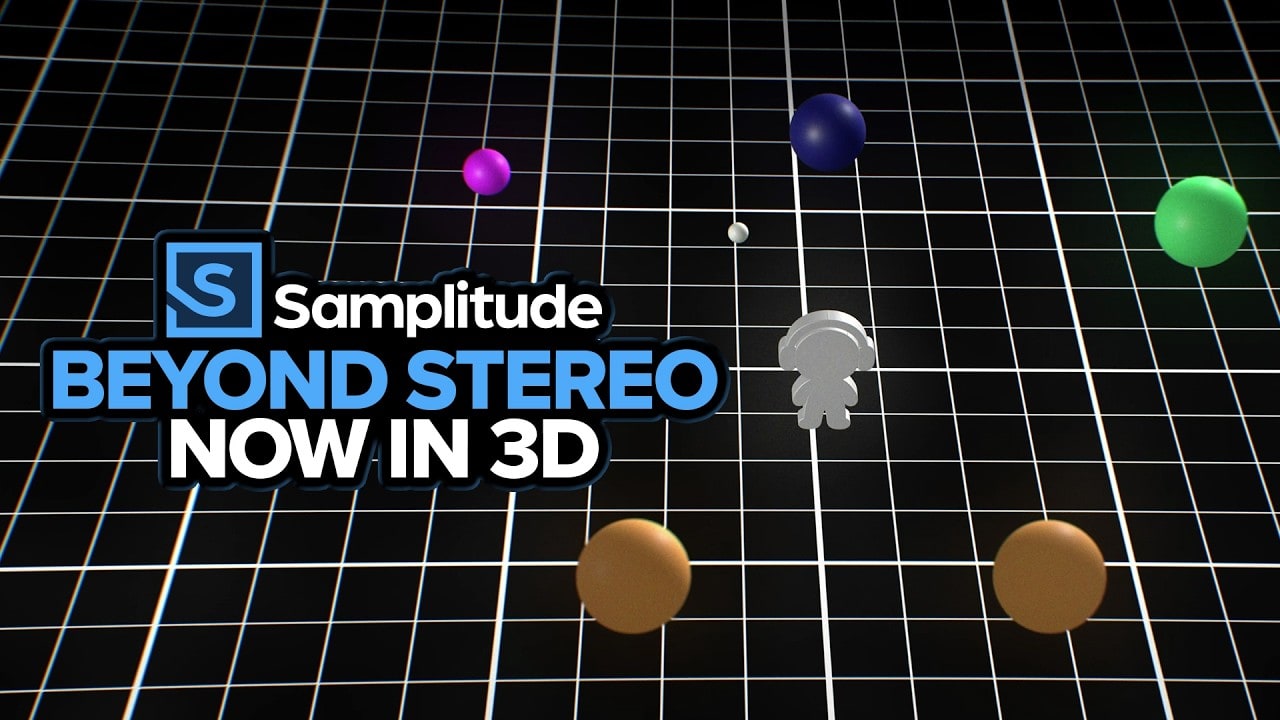
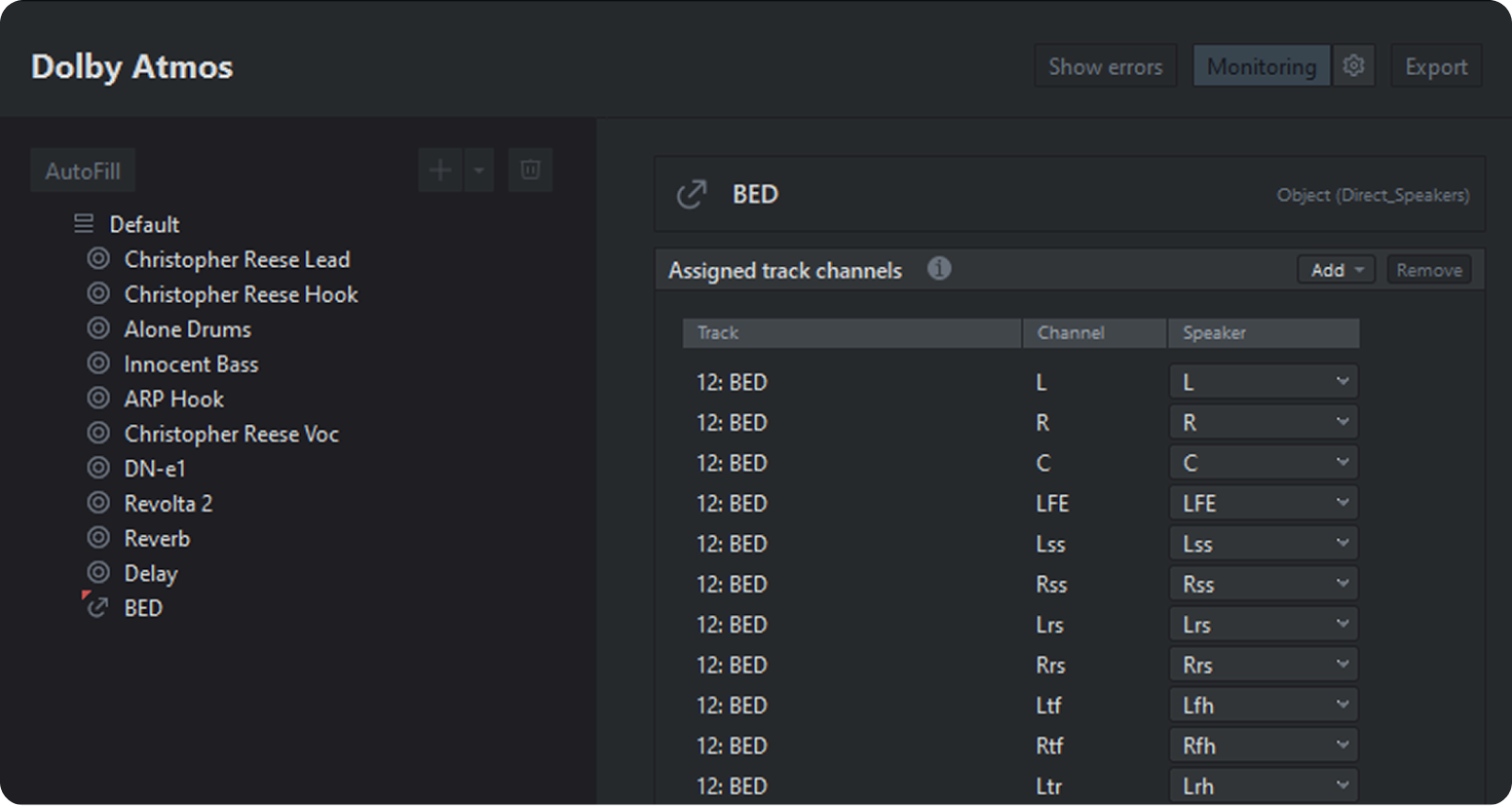
Experience a new dimension in audio production with native Dolby Atmos support. Create immersive soundscapes that go beyond traditional surround sound for an even more engaging listening experience.

ADM Editor

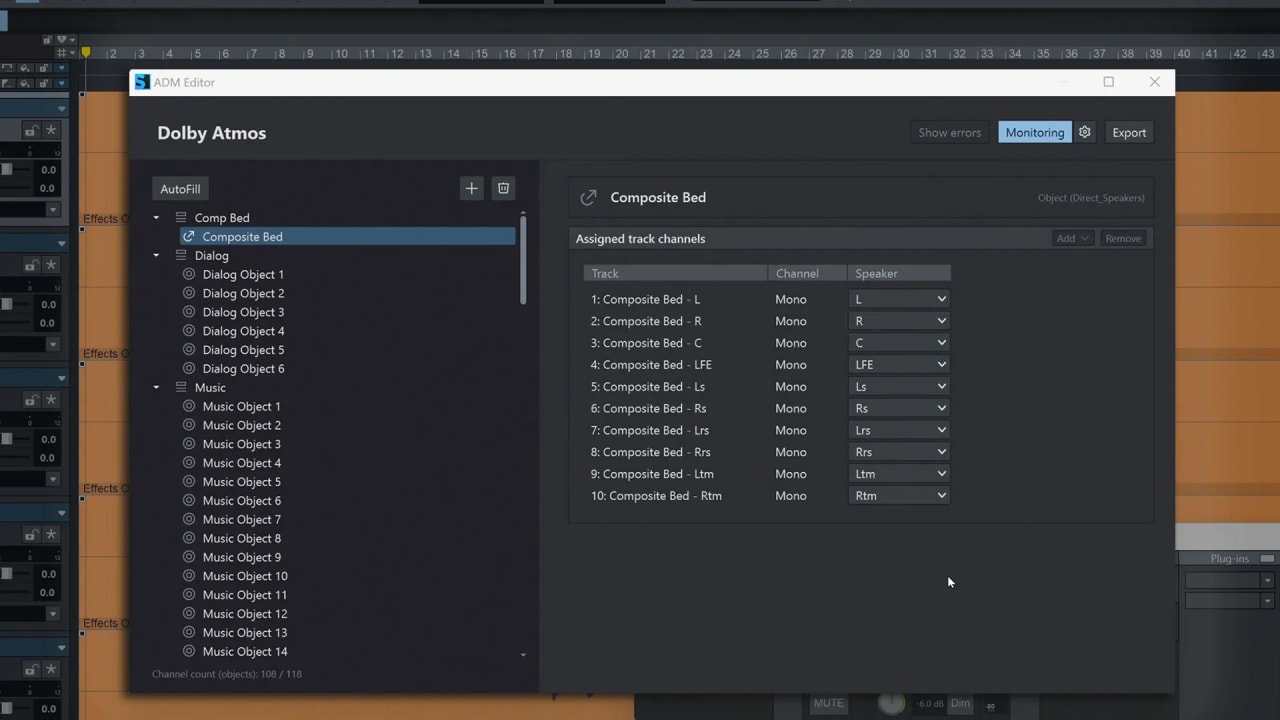
The ADM Editor enables structured management and clear presentation of ADM (Audio Definition Model) metadata for immersive audio formats such as Dolby Atmos. This allows you to organize your ADM metadata and keep track of it throughout the entire production process, from creation to final ADM export.

Sound Forge 2026

This powerful audio editor offers extensive editing and mastering features. Easily record up to 32 channels at once, set up repeatable functions, automatically trigger recording, and destructively edit a single audio file. Sound Forge works with sample accuracy, precise waveform editing, and clear finalization of audio material in stereo and surround. Record and edit the perfect voice-over or dialogue in Sound Forge and quickly send it to Samplitude by right-clicking on the clip and selecting โ€œEdit in Sound Forge.โ€

CrumplePop VST3 Suite

Make your audio sound great! Add CrumplePop onto your track, adjust a knob or two, and transform your audio. Thereโ€™s no need to study waveforms and manually keyframe your track (unless you want to). CrumplePop tools are easy enough for any video or podcast creator to use, but powerful enough to satisfy the most demanding audio engineer. Thatโ€™s why CrumplePop is a go-to for one-person podcasts, broadcast TV, and everything in between.

Celemony Melodyne 5 Essential

Edit vocals and instruments with precise and easy-to-use pitch and timing features at the highest level. Perfect for intonation corrections, melodic variations, choral arrangements, quantization, and timing adjustments.

Acon Digital Acoustica 7 Premium Edition

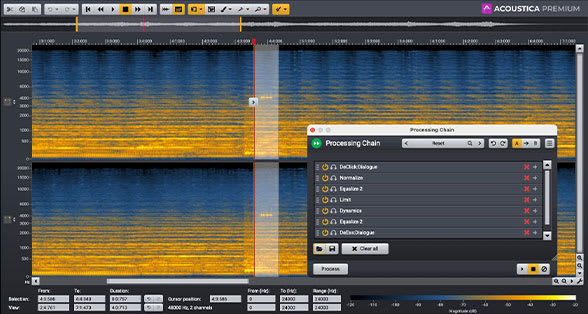
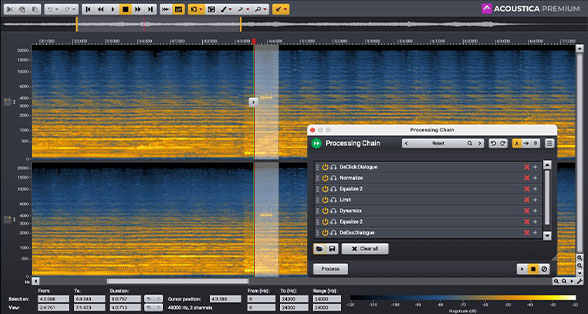
Acoustica 7 offers a comprehensive toolkit of high-precision processing tools to craft distinctive and original sound design. The AI-powered Remix tool can split an audio file into five stems, allowing you to adjust their levels in real-time. Acoustica 7 features state-of-the-art spectral editing as well as a suite of mastering, audio restoration, and dialogue cleanup tools.

Convology XT

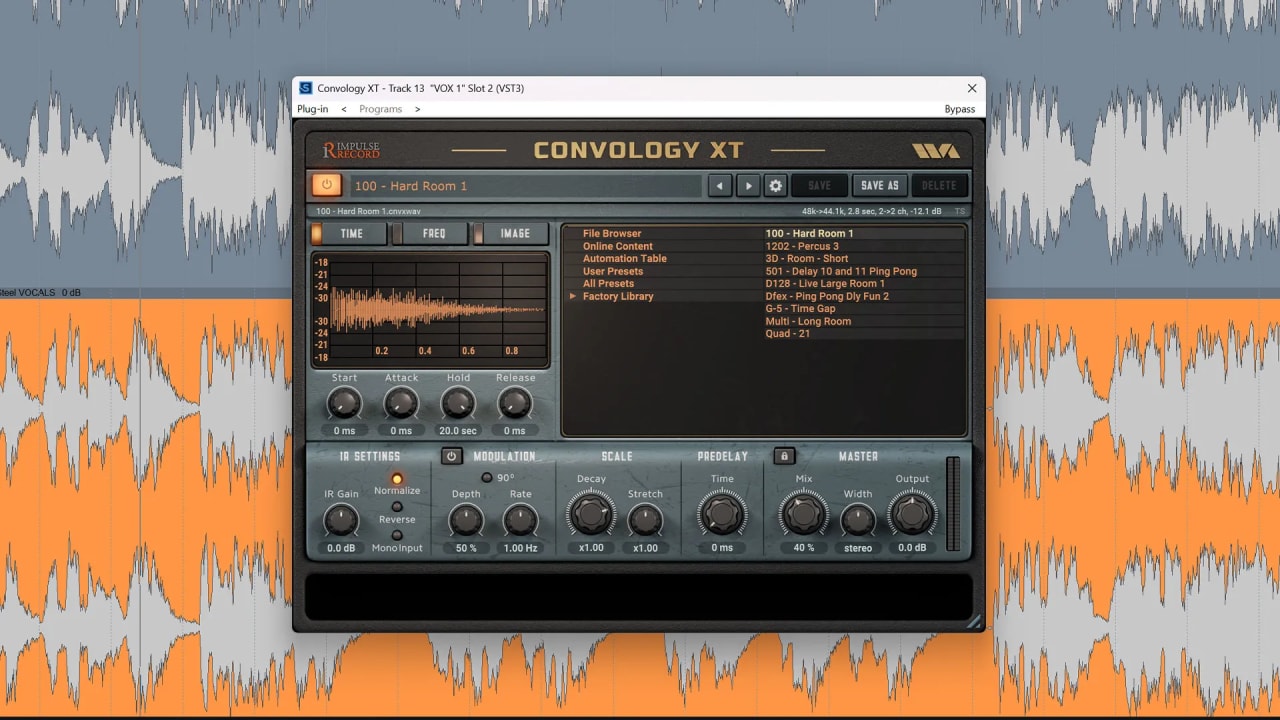
Enhance your mixes with rich, realistic spatial depth using Convology XT. Bring natural ambience and character to any project by adding convolutional reverb from a wide range of authentic environments, from vintage hardware reverbs to real acoustic spaces.

โ€œThe Dolby Atmos integration in Samplitude is certified by Dolby. Our close collaboration has shown that Samplitude offers producers all the tools they need to create Dolby Atmos content at the highest level.โ€

Jordan Glasgow

Sr. Product Manager, Content Creation - Dolby Laboratories, Inc.

Artists about Samplitude

โ€œI use Samplitude for all my tracking and mixing, and most of the writing too! I love its object-based processing and the cut features with automatic fades. I do a lot of cutting and slicing when Iโ€™m writing and recording. Samplitude allows me to be really creative with cutting something up and editing each slice separately. I also use it to check looping points and edit my masters.
Jack Steadman
Vocals, Piano and Guitar | Bombay Bicycle Club
Discover Artists

System requirements

Windows
OS Requirements
  • Windows 10/11 64-bit (32-bit isnโ€™t supported)
Processor (CPU)
  • Intel Core i/ultra - series, AMD Ryzen
System Memory (RAM)
  • 8GB minimum (16GB recommended)
Disk
  • 2.7GB minimum, 13GB with instruments and sounds
Supported Audio Import
  • WAV, Broadcast WAV, AAC, MPEG, MP3, OGG Vorbis, AIFF, FLAC, SD2, MUS, DDP
Supported Audio Export
  • WAV, Broadcast WAV, AAC, MP3, OGG Vorbis, AIFF, FLAC
Supported Video Import
  • DV-AVI, MPEG-1, MPEG-2, MPEG-4, H.264, HDV HD1, HDV HD2, MXV, DVCPRO, AVC-Intra, WMV(HD)
Supported Video Export
  • DV-AVI, MPEG-1, MPEG-2, HDV HD1, HDV HD2, MXV
Other Formats Import
  • JPEG, BMP, MIDI Standard Format (MID, GM, GS, XG)
Other Formats Export
  • MID, AAF/OMF, EDL

New for 2026

  • Performance & Stability Improvements

    Offers a range of performance improvements that boost reliability, stability, and versatility.
  • New Video Engine

    Smoother playback and improved performance with GPU acceleration and support for AVC (H.264), HEVC (H.265) & AV1 codecs.
  • OSC Remote Support

    Control Samplitude remotely from your phone, tablet, Stream Deck, or any OSC-compatible app or controller.
  • FX Routing Matrix
    (Samplitude Suite only)

    Easily route audio through plugins with flexible routing for stereo, surround, and advanced effect chains.
  • Soundly Integration
    (Samplitude Suite only)

    Quickly import sound effects, atmospheres, Foley, and find similar audio from Soundlyโ€™s library directly inside the arranger window.
  • Sound Forge 2026
    (Samplitude Suite only)

    This powerful audio editor offers precise, sample-accurate editing along with finalization and mastering tools for stereo and surround, fully integrated into Samplitude.
Performance & Stability Improvements

Performance & Stability Improvements

Samplitude 2026 makes music production faster, smoother, and more efficient.

Spend more time creating, not fiddling with your setup. The latest update brings a faster, more intuitive interface and workflow enhancements. Smarter CPU management and improved engine stability keep projects moving smoothly โ€” even in complex multi-track mixes with resource-intensive plugin chains.

New Video Engine

New Video Engine

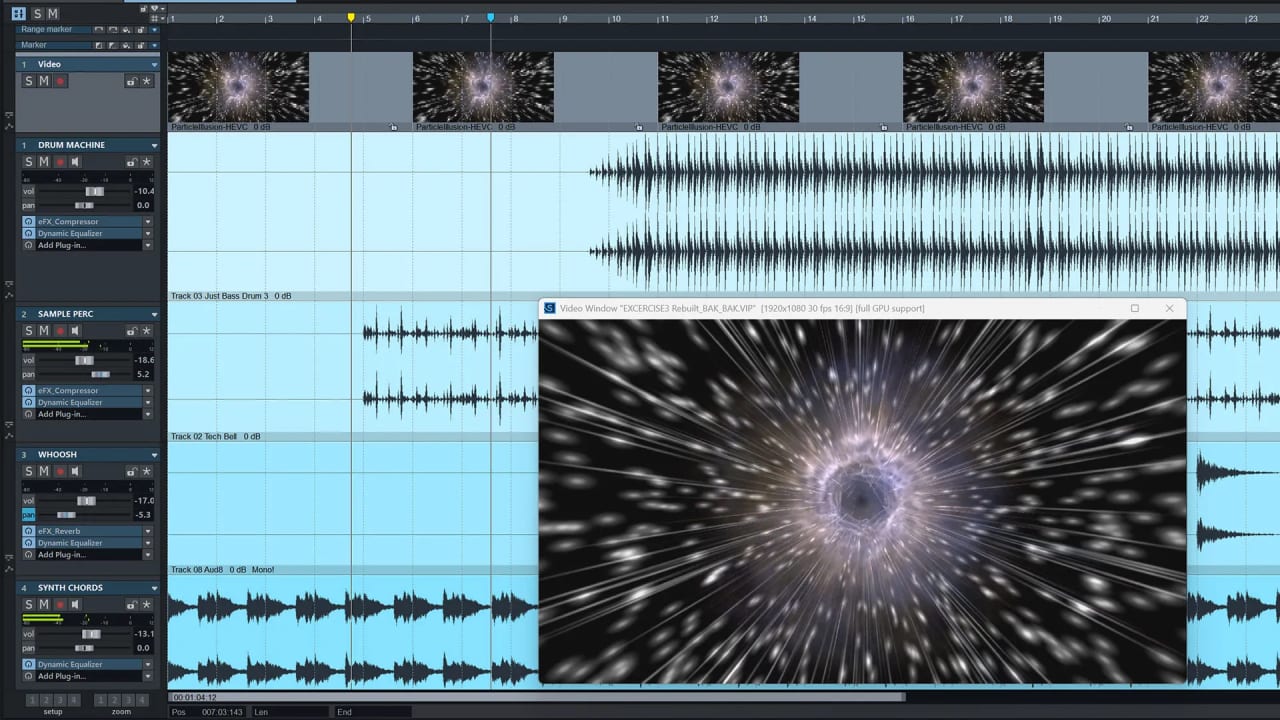
Get smooth, reliable video playback with full resolution 4k footage up to 60fps with Samplitude 2026โ€™s new video engine.

Quickly navigate, edit, and playback video while maintaining tight audio-to-video sync. With support for modern codecs like AVC (H.264), HEVC (H.265), and AV1 plus GPU-acceleration for NVIDIA, AMD, and Intel hardware, you get responsive performance while keeping the CPU focus on audio processing.

VST3/Audio Engine Improvements

VST3/Audio Engine Improvements

Keep even the most demanding sessions running smoothly with a more efficient audio engine.

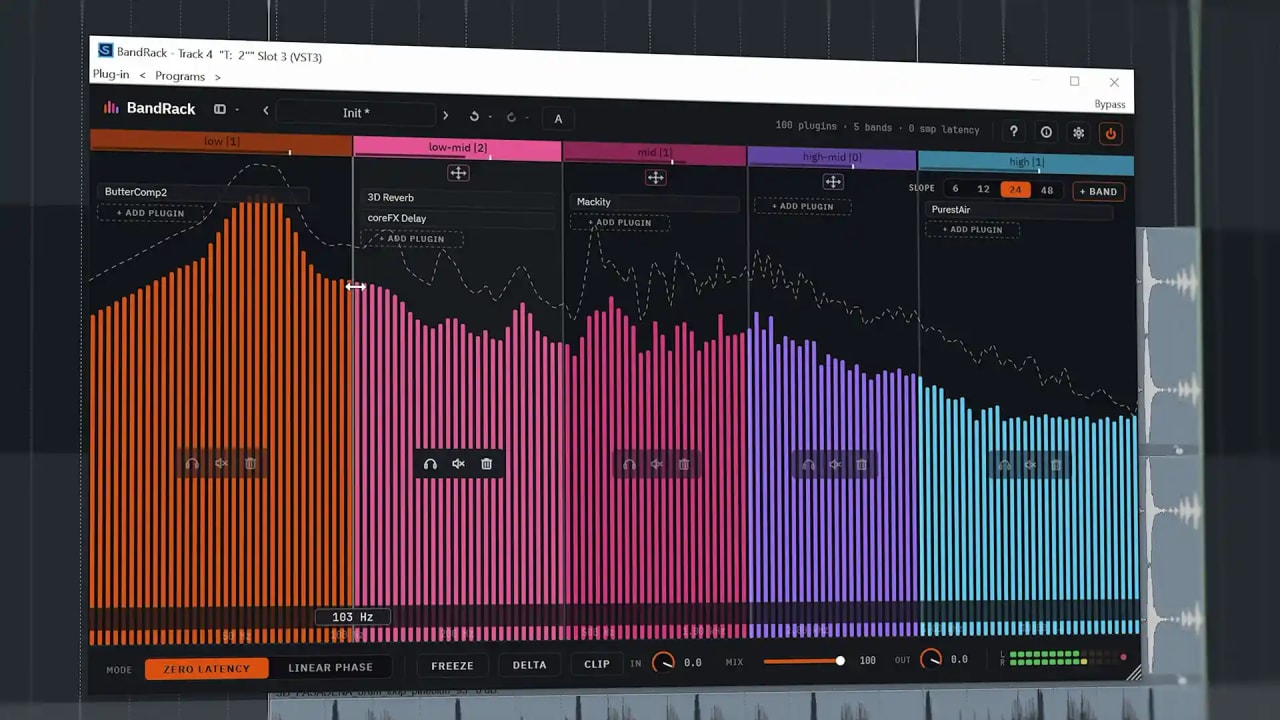
Smarter CPU management and improved multicore performance let you tackle larger, processing-intensive projects with stable, reliable performance. Work with more tracks, higher-latency plugins, and advanced processing chains. Focus on mixing, not managing resources.

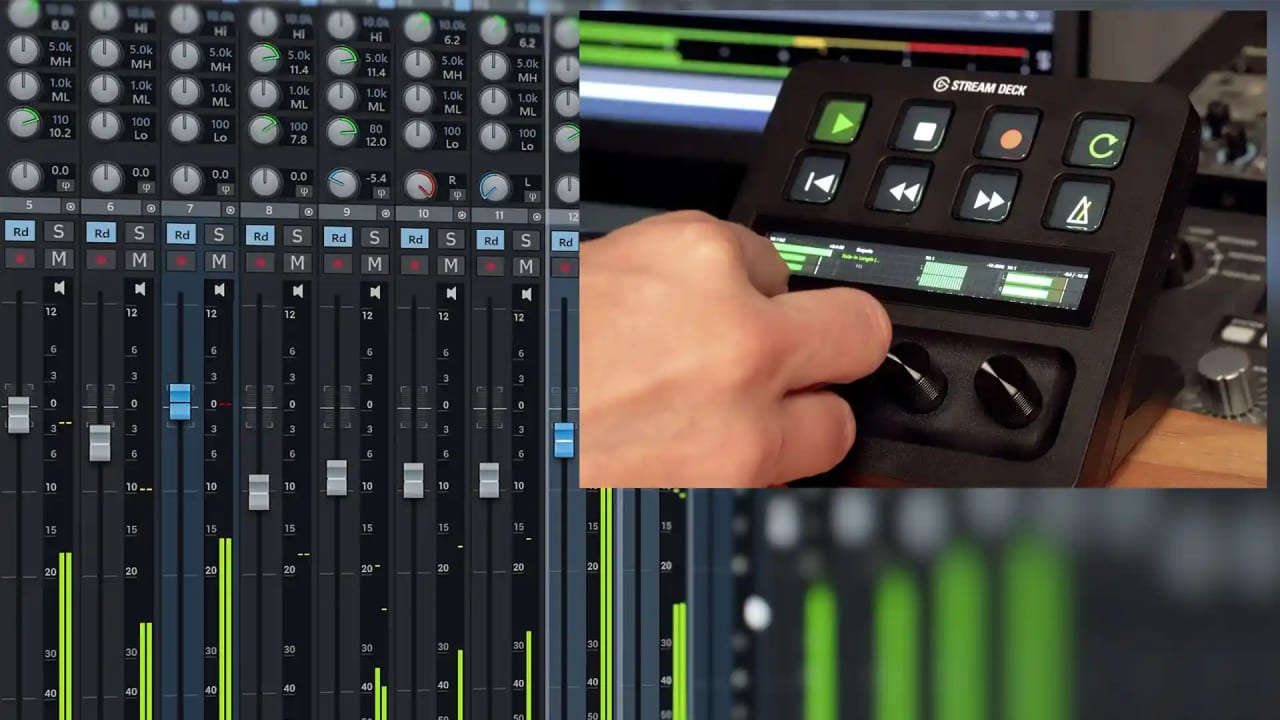
OSC Remote Support

OSC Remote Support

Control any editing, mixing, and transport function in Samplitude with your phone, tablet, Stream Deck, or OSC-based app โ€” no expensive, dedicated controller or console required.

Open Sound Control (OSC) lets you operate Samplitude over a network. Whether youโ€™re recording in a booth or adjusting mics in another room, OSC keeps you connected. Make edits, start recording, and tweak your session on the spot, without being tied to your desk.

FX Routing Matrix (Samplitude Suite Only)

FX Routing Matrix (Samplitude Suite Only)

Take full control of your plugin routing with the FX Routing Matrix. Route any track channel to any plugin, then send the output to the track channel you choose.

Correct surround setups, configure advanced sidechains, or apply multiple stereo plugins within a multi-channel bus. The FX Routing Matrix gives you precise, flexible control over your signal processing.

Soundly Integration (Samplitude Suite Only)

Soundly Integration (Samplitude Suite Only)

Exclusive to Samplitude Suite, Soundly offers thousands of sound effects, atmospheres, Foley, and more right inside Samplitude. Once you find your ideal clip in Soundly, select โ€œSend to Samplitude,โ€ and the clip will instantly appear on your timeline.

Import your own clips and organize them alongside Soundlyโ€™s entire database. Quickly find and add your frequently used sounds, like theme music and sound effects. Focus on creating, not file management, and keep your projects consistent without the extra work.

SoundForge 2026 (Samplitude Suite Only)

SoundForge 2026 (Samplitude Suite Only)

Enhance your workflow with Sound Forge 2026. Exclusive to Samplitude Suite, the trusted, longstanding audio editor offers precision waveform editing, customizable workflows, repeatable functions, automatic trigger-based recording, batch processing, and more. Easily record and edit voice-overs, multi-channel recordings, and single-file assets with sample-accurate control.
Expanded ARA2 Support

Expanded ARA2 Support

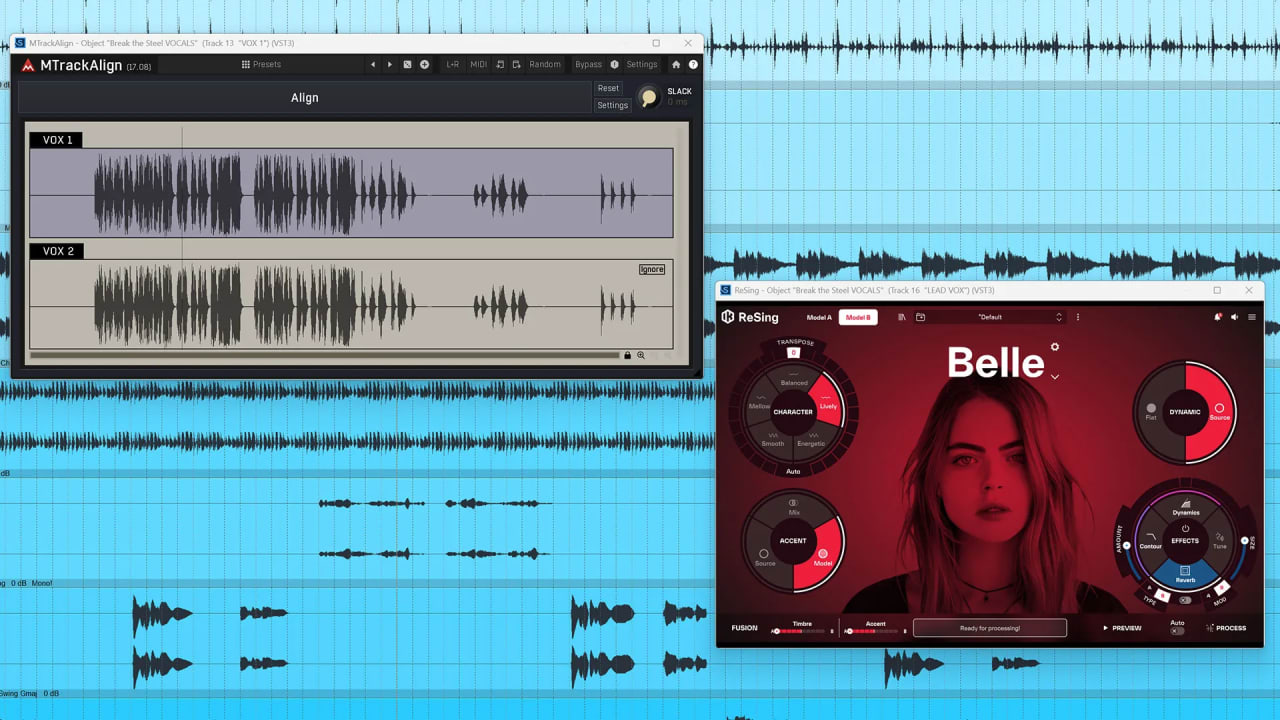
Samplitude 2026 expands ARA2 support with IK ReSing and Melda MTrackAlign.

Use ReSing and MTrackAlign directly inside Samplitude. Unlock full clip analysis and processing without exporting or manually handling individual files. Take advantage of smarter correction workflows, deeper integration, and a faster, more efficient, creative production experience.

Additional Improvements

  • Overload / Noise Protection: Samplitude automatically mutes audio when reaching critical levels.
  • Improved Export: Quickly export your audio without effects by selecting a checkbox.
  • Updated Plugin Buffer Dialog: Select the right buffer settings with clear, informative descriptions.
  • Improved Navigation: Access โ€œOpen in Windows Explorerโ€ in the right-click menu.
  • Improved Marker List Export: Enhanced usability and better compatibility.
  • Improved Arranger Controls: Brings back the classic โ€œfull track fitโ€ double-click method.
  • Enhanced Resampling Workflow: Update resampling options seamlessly.
  • Nested VCA: Control multiple VCAs at once with a single fader.

Previous releases

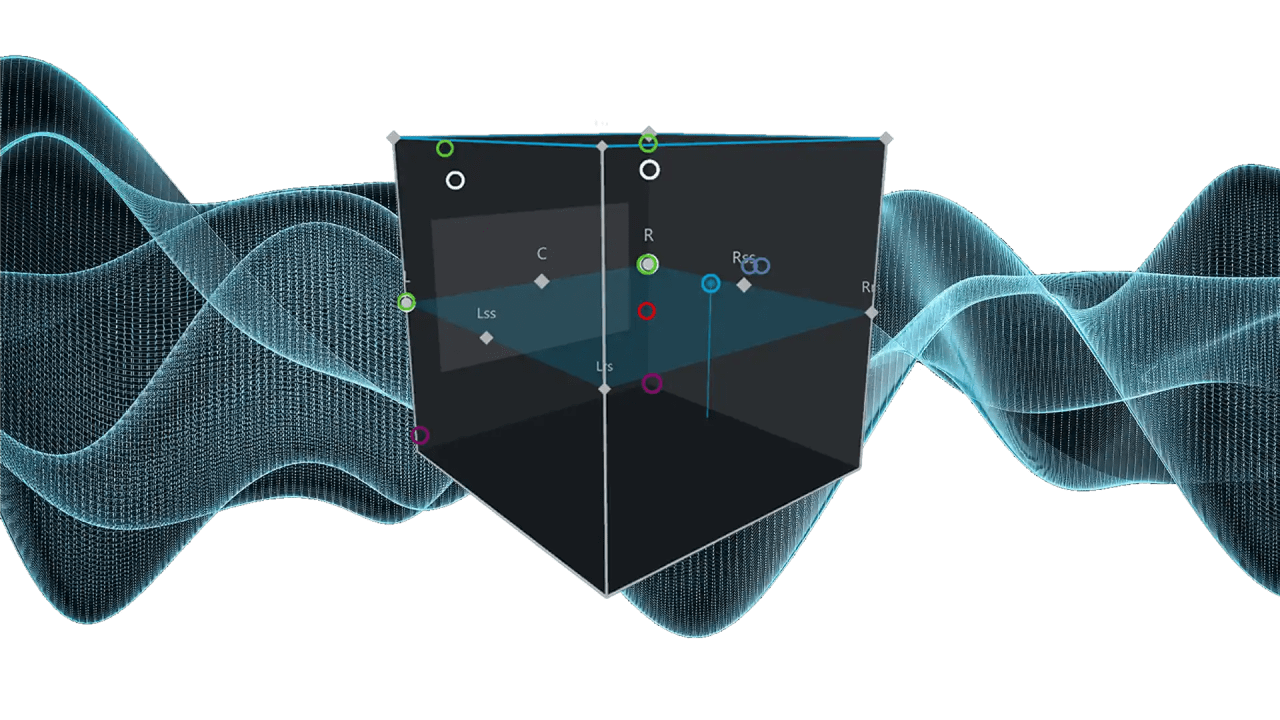
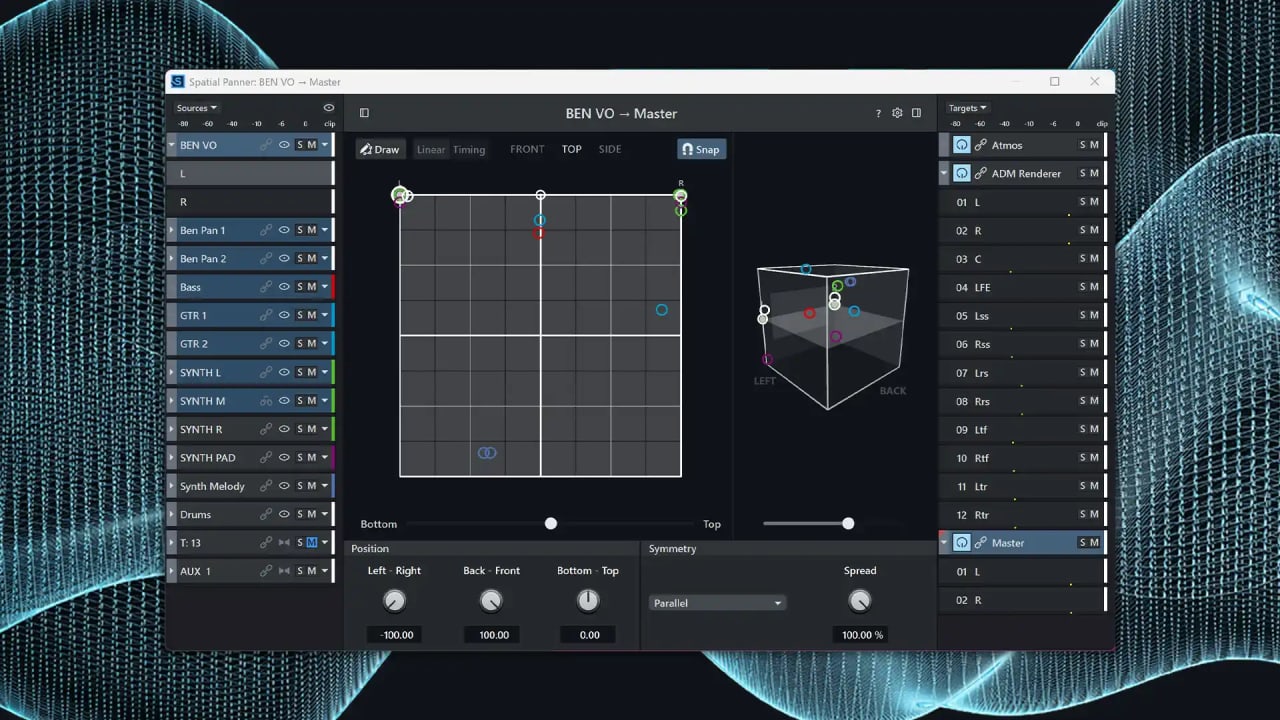
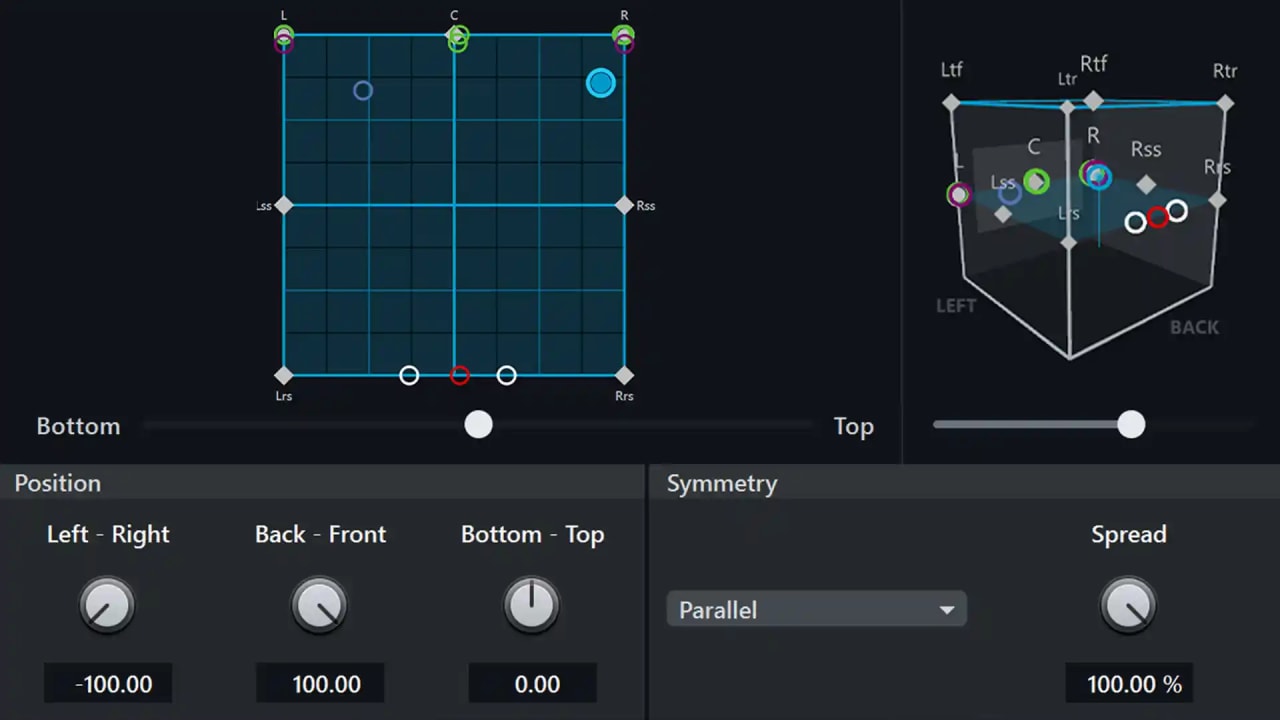
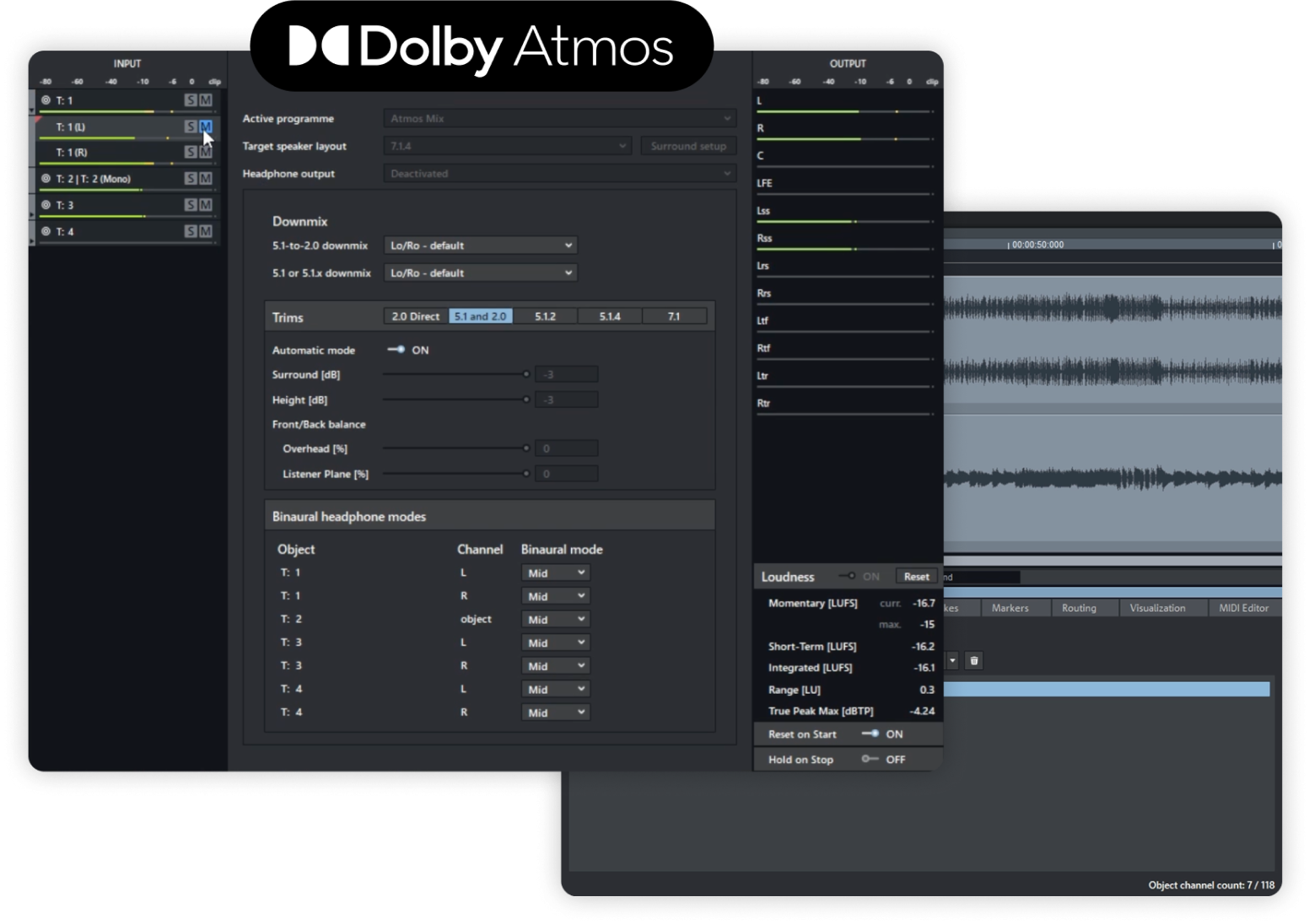
Native Dolby Atmos support
(Only in Samplitude Suite)

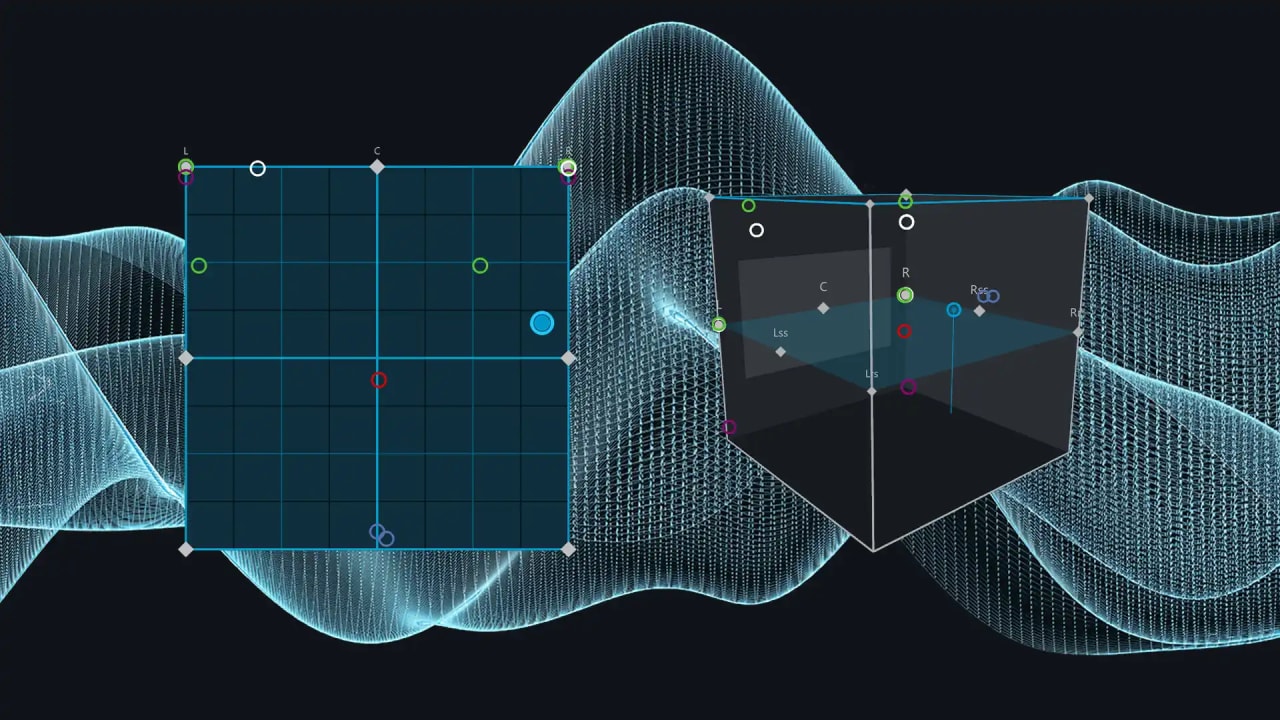
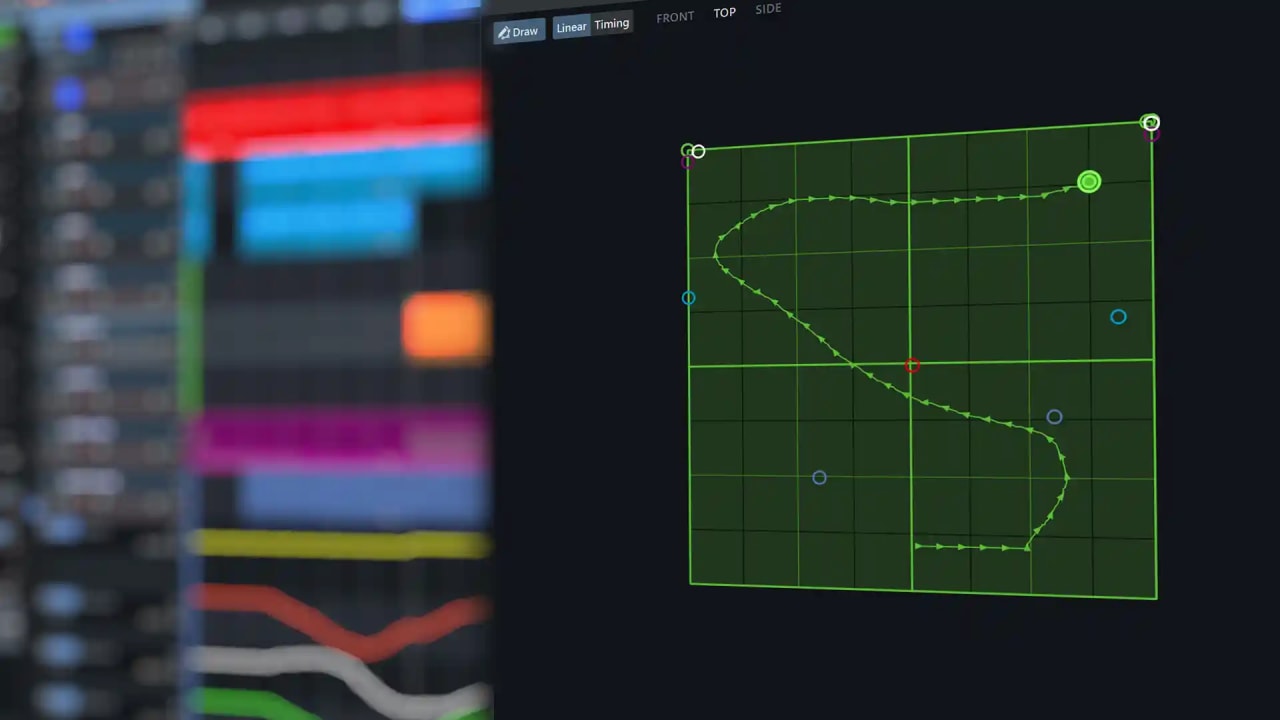
Experience a new dimension in audio production. Thanks to the integration of Dolby Atmos, you can precisely position and move sounds in three-dimensional space. Create immersive soundscapes that go beyond traditional surround sound and elevate your productions to the highest level.

Acon Digital Acoustica 7 Premium Edition
(Only in Samplitude Suite)

Acoustica 7 offers a comprehensive toolkit of high-precision processing tools for crafting distinctive and original sound design. The AI-powered Remix tool can split an already completed project into five stems, allowing you to adjust their levels in real-time. Acoustica 7 features state-of-the-art spectral editing as well as a suite of mastering, audio restoration, and dialogue cleanup tools.

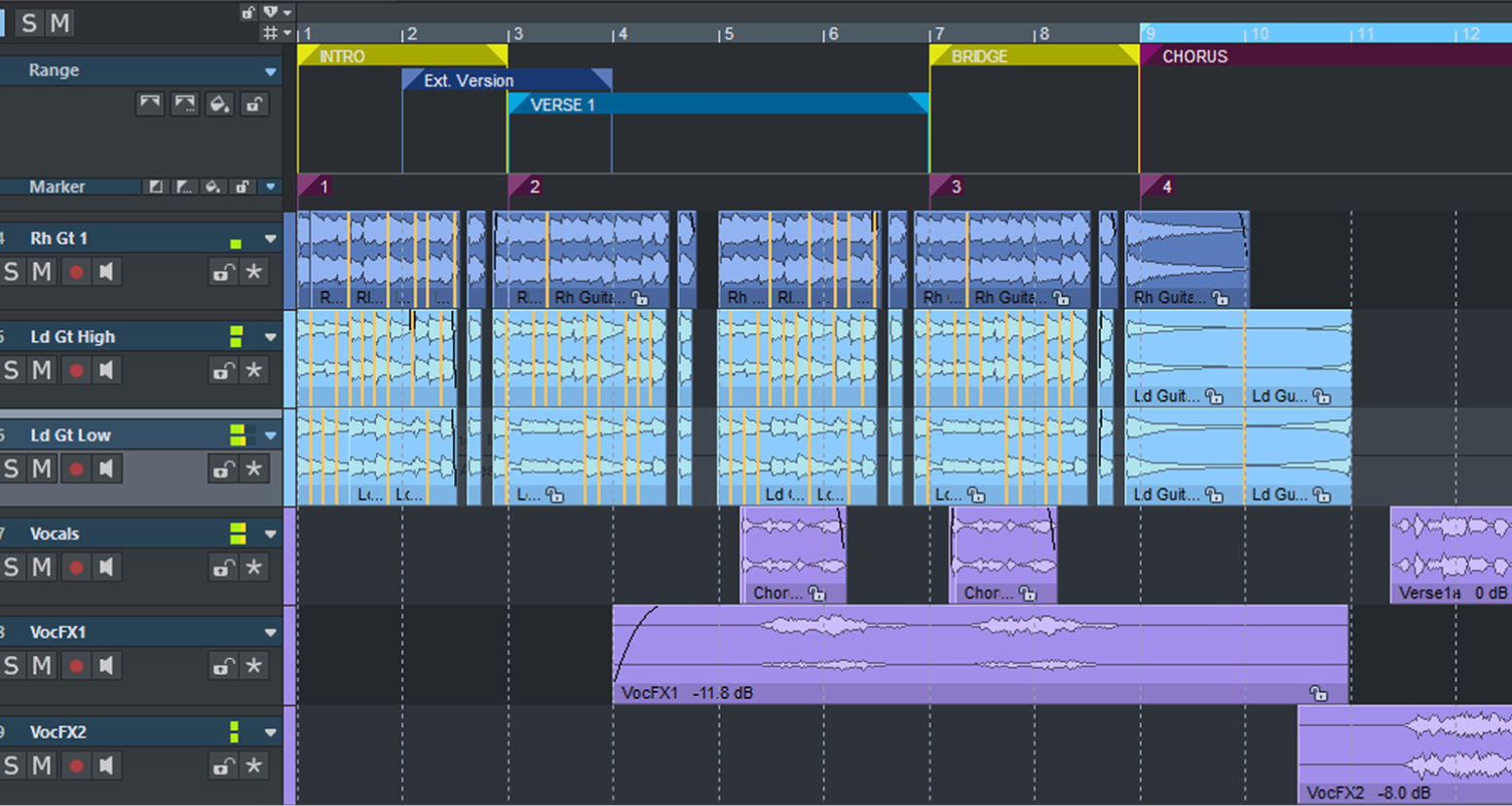
Range marker + export

Structure your project into multiple ranges and clearly distinguish them visually. Use the range marker export to precisely select which tracks or regions to export. Export stems without having to manually mute or solo tracks.

4K HDPI-support

Experience optimized HDPI support for seamless compatibility with resolutions up to 4K for clearer visuals and a better overview. Optimization for multi-monitor setups enables flexible use of multiple displays, even with different resolutions.

ADM-Editor
(Only in Samplitude Suite)

ADM Editor Only in Samplitude Suite The ADM Editor enables structured management and clear presentation of ADM (Audio Definition Model) metadata for immersive audio formats like Dolby Atmos. This allows you to organize your ADM metadata and keep track of it throughout the entire production processโ€”from creation to the final ADM export.

3D Reverb
(Only in Samplitude Suite)

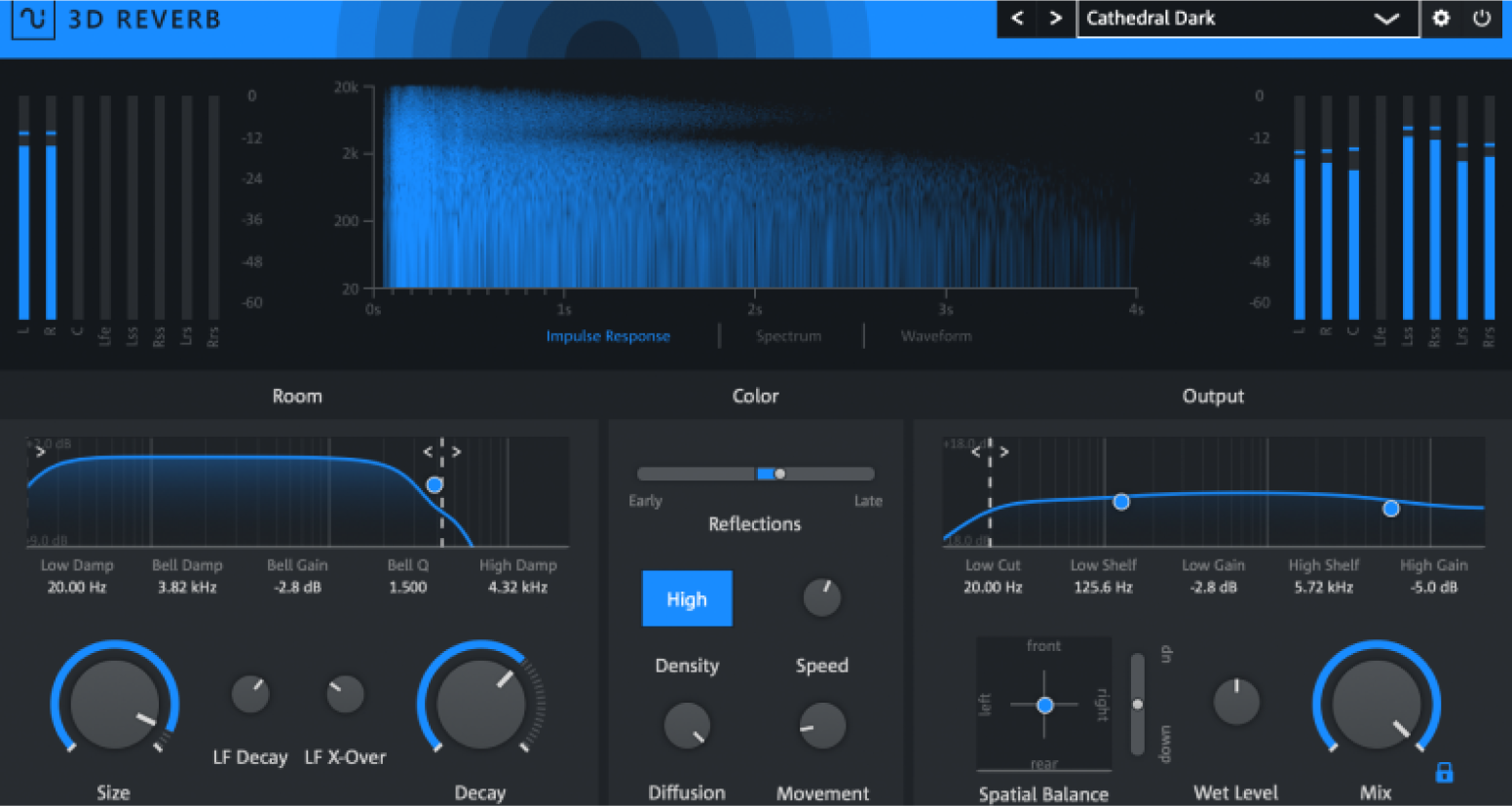
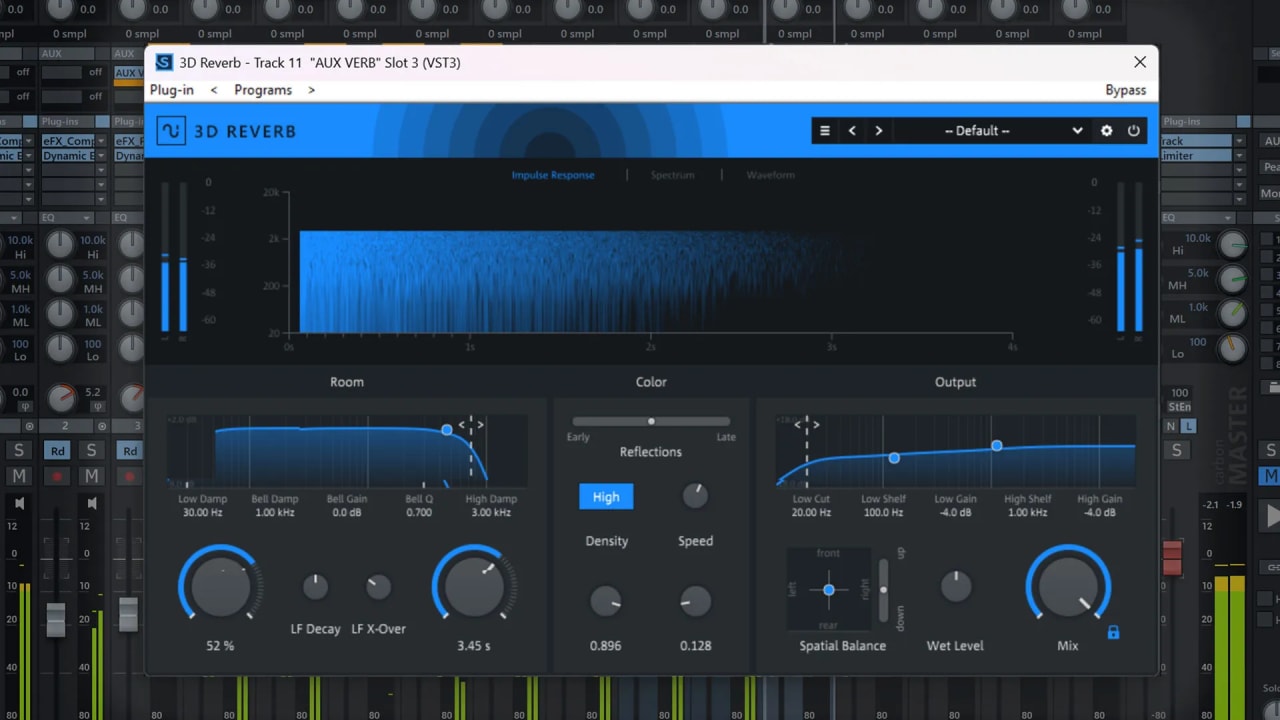
Welcome to the next dimension of reverb effects. 3D Reverb simulates realistic spacesโ€”from small studios to large concert hallsโ€”and creates a natural, immersive reverb covering up to 12 stereo channels.

CrumplePop
Instant audio clean up
(Only in Samplitude Suite)

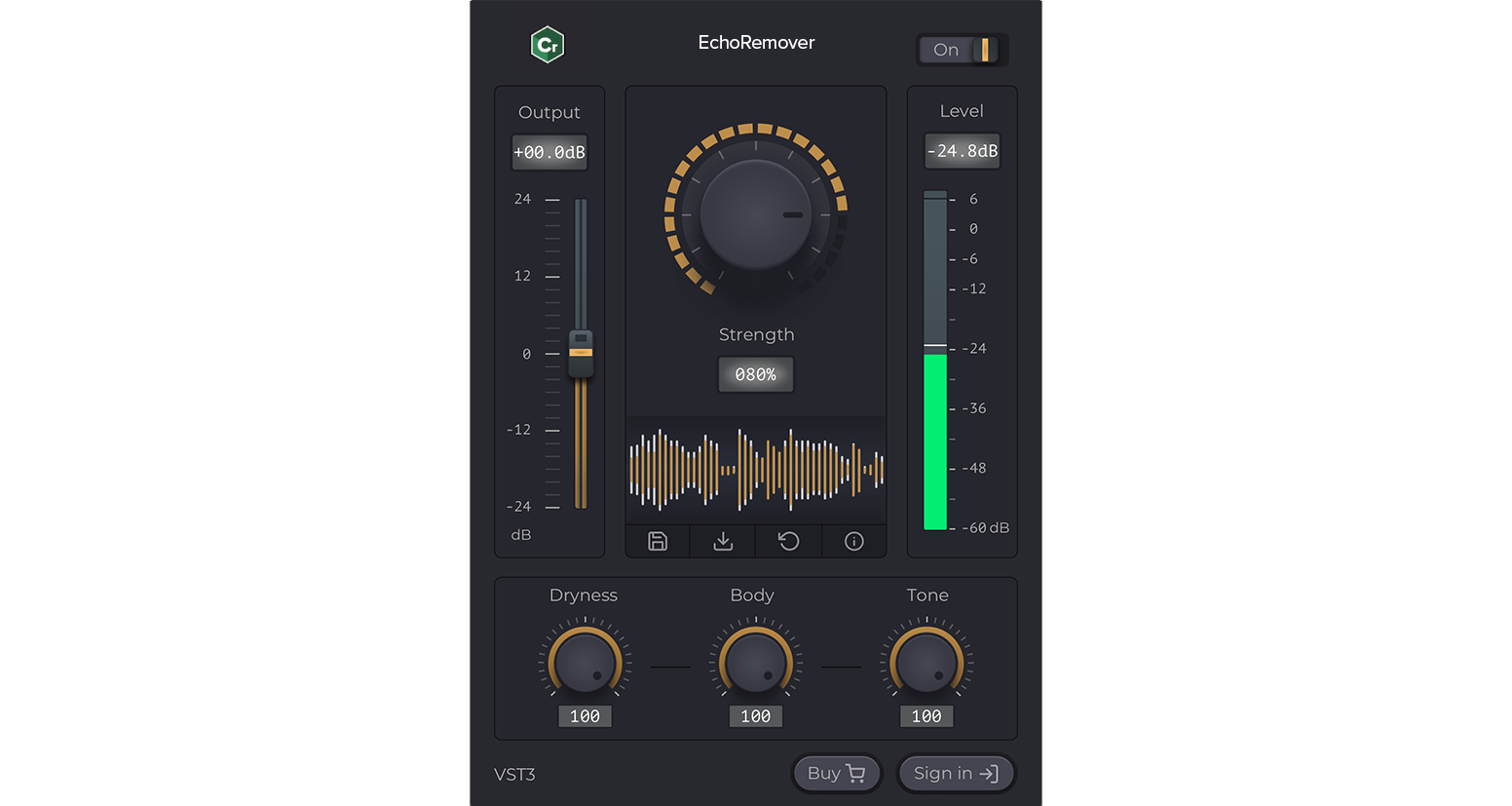
CrumplePop uses AI to intelligently remove distracting background noise from voice recordings. It's that simple: Simply drag the denoising plugin onto your audio material and adjust the โ€œStrengthโ€ slider to denoise your audio track. Complex noises, such as the hum of an air conditioner, simply disappear. And thanks to AI, voice recordings sound clear and natural.

Included Features and Plugins by Version

Samplitude
Samplitude Suite
Dynamic EQ
EssentialFX Suite
Vintage Effects Suite
VariVerb II
Vita 2
Revolta2
DN-e1
Vita Solo Instruments
22
33
Native Dolby Atmos Support
ADM Editor
Spectral View and Editing at the Track Level
FX Routing Matrix
coreFX Suite
colorFX Suite
Cleaning & Restoration Suite
Analogue Modelling Suite
Vandal Bass & Guitar Amplifier Suite
3D Reverb
Soundly Integration
CrumplePop VST Suite
Sound Forge 2026
Acoustica 7 Premium Edition
Melodyne 5 Essential
Convology XT Complete

Recording

Samplitude operates with absolute sound neutrality. Thanks to the consistent use of floating-point calculations, your sound always retains the desired character โ€“ even after intensive digital processing. The result: clarity, neutrality, preservation of transients, and spatiality.

Editing

Time-saving workflows and precise editing tools ensure an optimized production environment so you can concentrate fully on your project.

Precise Crossfade Editing

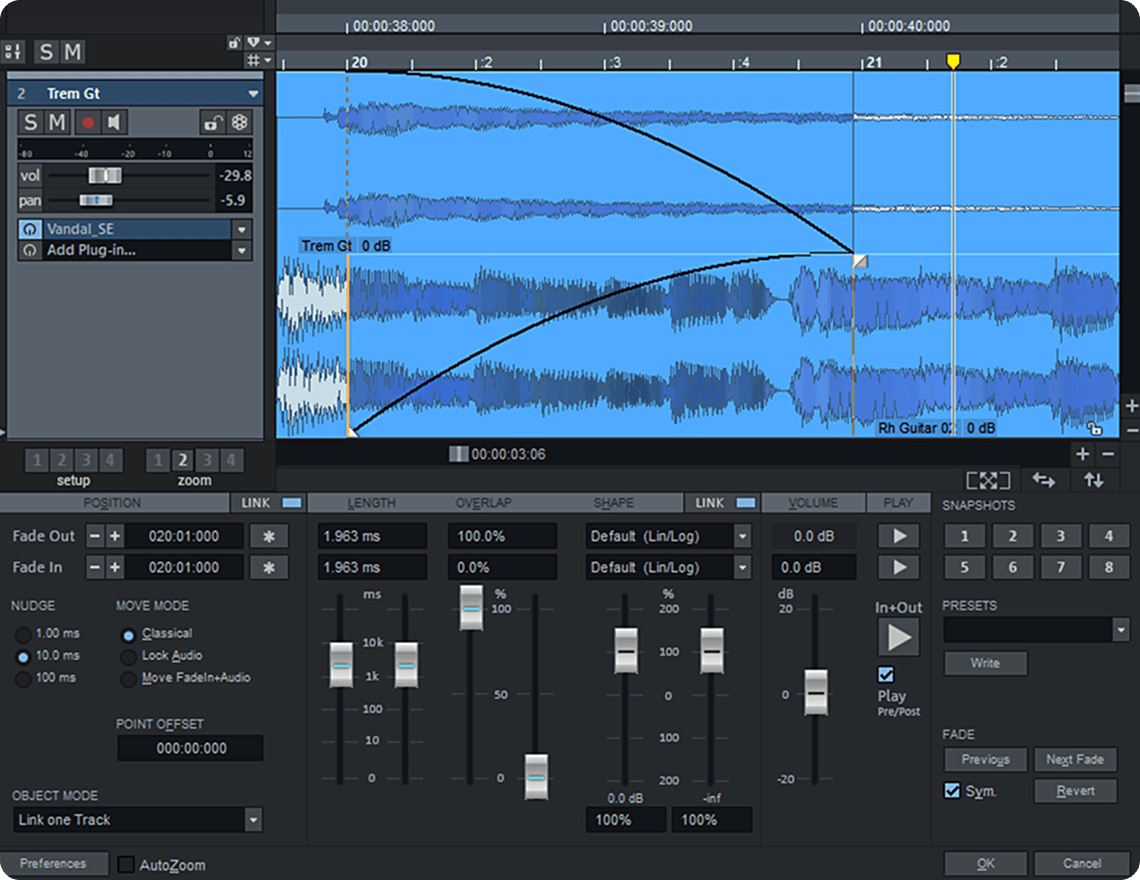
The Crossfade Editor is completely redesigned, more efficient, and modern. Thanks to an optimized overview and snapshots, you can access all important parameters even faster. Additionally, you can edit audio objects directly in the editor.

ARA2 Support

ARA2 plugins like Celemony Melodyne work directly in the DAW without transfers. Youโ€™ll have a faster workflow with access to all audio data, parallel track editing, and seamless transitions.

Continuous Playback

Keep playback running during editing, even when selecting a region. The continuous playback option enables smooth, uninterrupted work within a project.

Automation Shapes

Smooth automations, effortlessly placed. Automation Shapes let you create smooth transitions between two points โ€” precise, intuitive, and seamless.

zplane Algorithm

Use the new zplane algorithm, รฉlastiquePro v3, to time-stretch and pitch-shift. Cutting-edge signal processing meets psychoacoustic models with flexible tempo and pitch for consistently excellent sound.

Copying Across Projects

Choose between the tabs of open projects and start the transfer. Use the checklist to decide which settings, such as VST plugins, AUX buses, or submix buses, should be copied.

Individual Customizations

Work the way you want. Flexibly customize the user interface, dock windows freely, and save your settings as personalized workspaces.

Music Production

Inspiration awaits. Samplitude features versatile compositional aids and creative tools for unlimited musical possibilities. Discover extensive options for score creation, MIDI editing, and numerous virtual instruments.

Virtual Instruments

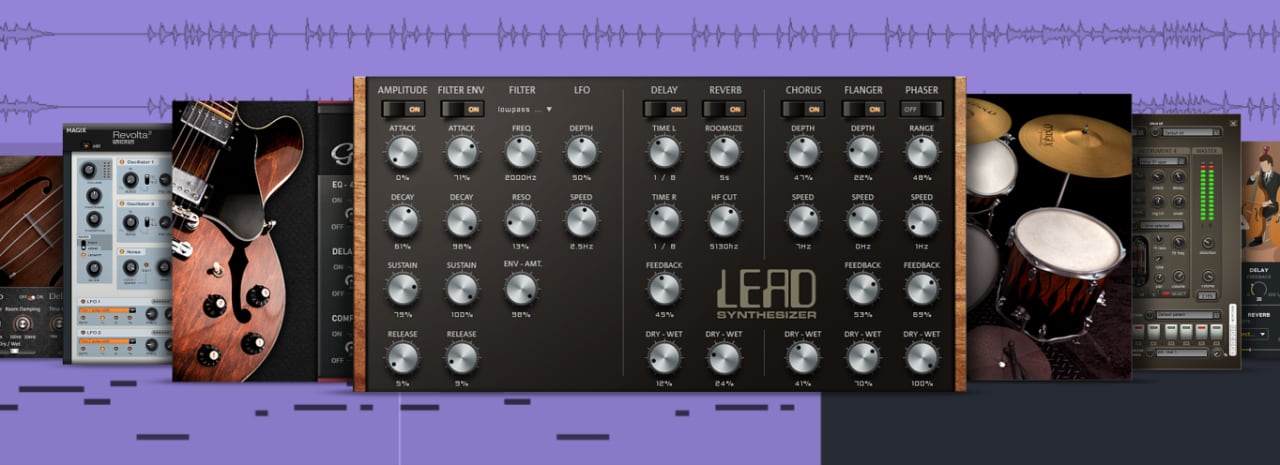
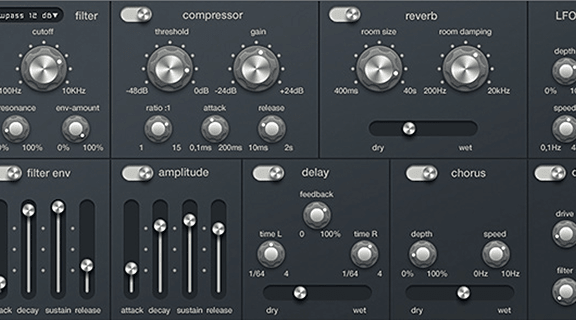
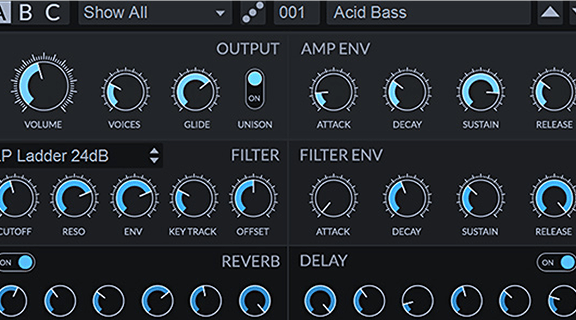
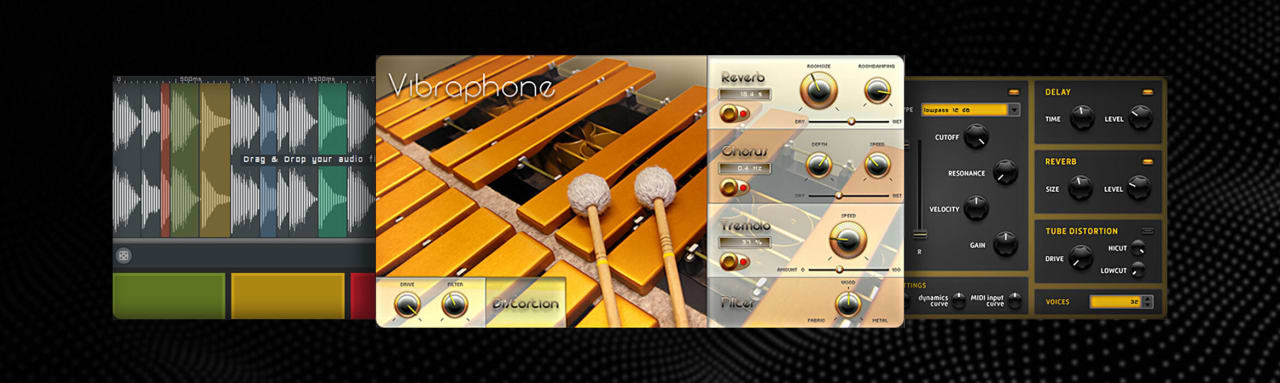
Samplitude offers a wide selection of modern and classic software instruments that enable versatile music productions. Explore groove boxes, synthesizers, and authentic sampler instruments to create distinctive sounds across a wide variety of genres.

MIDI Functionality

Effortlessly realize your musical ideas with powerful MIDI functions and elegant workflows.

Support for MIDI-VST Plugins

Samplitude has comprehensive support for MIDI plugins. Take advantage of the full range of the plugin market, combine multiple modules, and customize your MIDI routing to your needs.

MIDI Editor

Edit MIDI parameters with powerful tools. Move, scale, and quantize notes, velocity, pitch bend, and other events with the utmost precision.

Music Notation

The integrated score editor displays MIDI data as notes with changes automatically applied. Up to 48 staves per track and two display modes offer complete flexibility from single lines to the entire score.

Drum Editor

Drum Editor offers extensive options to program drum tracks. Flexibly move events between channels, quantized and customized. Choose between Matrix mode with classic parameters and Cell mode for precise timing.

Mixing

Intuitive mixing, flexible routing, and new automation functions simplify even complex projects from small sessions to large productions with up to 999 tracks.

Native Dolby Atmos support

Experience a new dimension in audio production exclusively in Samplitude Suite. Integrated Dolby Atmos lets you precisely position and move sounds in three-dimensional space. Create immersive soundscapes that go beyond traditional surround sound and elevate your productions to the highest level.

ADM-Editor

The ADM Editor in Samplitude Suite enables structured management and clear presentation of ADM (Audio Definition Model) metadata for immersive audio formats such as Dolby Atmos. This allows you to organize your ADM metadata and keep track of it throughout the entire production process โ€” from creation to the final ADM export.

Channel Setups for Dolby 5.1

Advanced channel bus setups for Dolby 5.1 offer greater flexibility for surround productions. Exclusive to Suite: Advanced channel bus setups for Dolby 5.1 and 7.1, as well as Dolby Atmos configurations from 5.1.2 to 7.1.4, add greater flexibility in surround and immersive Atmos productions.

Using External Hardware Effects as Plugins

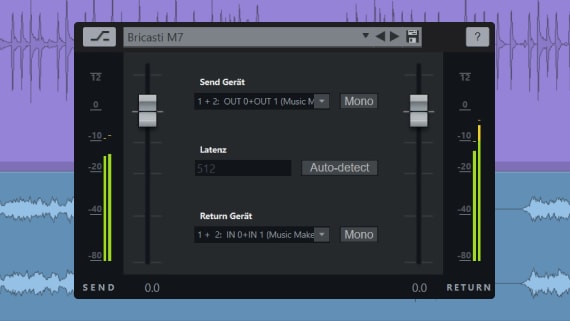
You can now integrate external hardware effects directly into Samplitude to use in projects like plugins. The plugin browser allows effect devices to easily integrate, while flexible routing allows optimal integration into the mix.

Expanded ARA2-support

ARA2 plugins integrated within the docking system can be frozen exclusively without affecting subsequent plugins, ensuring they remain usable in real time. Additionally, you can now insert ARA plugins simultaneously on multiple tracks or objects.

Advanced Automation Lanes

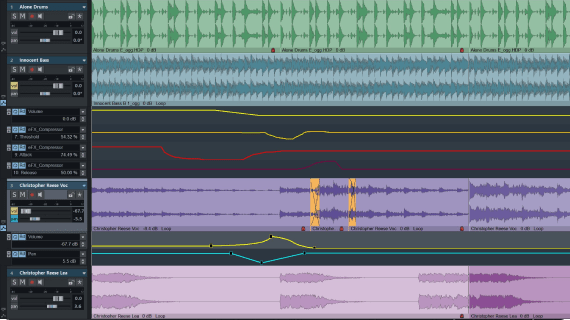
Track automation is clearly displayed in lanes. You can display and edit any number of parameters, such as volume, pan, or effects, simultaneously. Automations can be easily copied and transferred to other tracksโ€”ideal for consistent volume curves for related instruments.

High DPI 4K Support

Optimized HDPI support delivers seamless compatibility with resolutions up to 4K. Multi-monitor setup optimization allows flexible use of multiple displays, even with different solutions.

Improved Multi-Source Visualization

Visualize track and bus outputs in up to 8 separate windows simultaneously, clearly distinguishing the outputs of submix buses for different instrument groups. Additionally, automatic input metering ensures precise level control while recording.

Monitoring Section

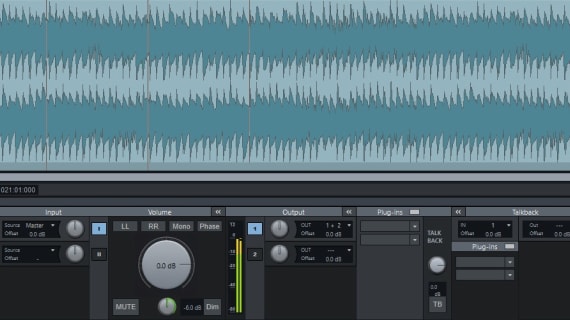
In the past, the Monitoring Section required control centers and cables. Now, you can manage multiple monitoring paths with or without effects inside Samplitude and use talkback with a simple mouse click or shortcut.

Tempo Track

Tempo gets its own track complete with automation functions. Draw curves freely with dynamic transitions or gradual increases. Convenient buttons make it easy to set markers for time signature and tempo changes.

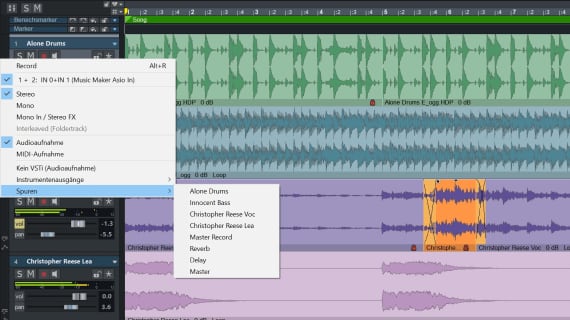
Track Output Recording

When recording the track output, the playback signal is recorded instead of the input signal. You can record an intermediate version of your project directly to a new track without having to worry about export settings. The original material remains unchanged.

Plugin Browser

Quickly access your effect and instrument plugins with the plugin browser. It features flexible categorization, filtering, and a favorites function to keep things organized even if you have an extensive plugin collection.

coreFX Suite

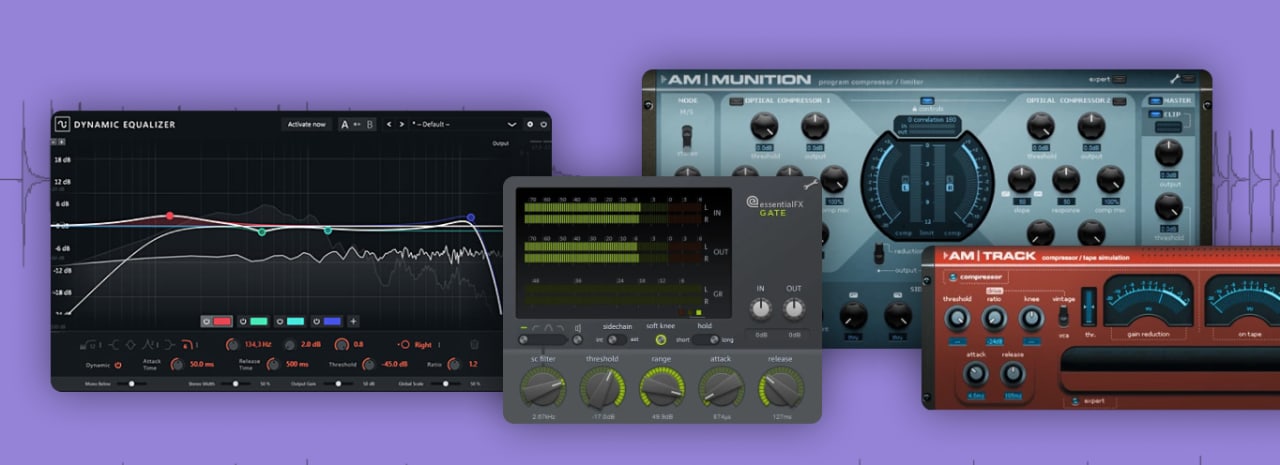
The coreFX Suite is the ultimate effect bundle with all the essential tools you need for professional sound design. It includes a pumping effect for contemporary productions, five plugins for precise dynamic control, three modulation effects to create richness and space, and the latest addition, a tool for automating all essential processing tasks within one plugin. All dynamic plugins display the dry and processed waveform in real time.

coreFX includes: VolumeFormer, 2-Point-Compressor, Compressor, Limiter, Gate, Expander, Delay, Chorus, Flanger, and coreFX Utility.

  • coreFX VolumeFormer and Delay (Available in Samplitude)
  • coreFX Suite (Only in Samplitude Suite)

colorFX Suite

colorFX Suite delivers a wide sound coloration palette. Tape Machine combines the pulsating dynamics of analog hardware with the precision of virtual sound control. Bitcrusher takes the concept of digital distortion to a new level, delivering more parameters for more excitement. Tube Distortion gives sound a singing quality that ranges from quiet and harmonic to fiery and crashing.

With signal routing that can be filtered and modulated, colorFX can be used flexibly โ€“ as subtle emulsifiers for masters and grouped signals, or to create a distinctive texture for individual tracks.

  • colorFX Suite (Only in Samplitude Suite)

3D Reverb

Welcome to the next dimension of reverb effects with Samplitude Suite. 3D Reverb simulates realistic spaces โ€” from small studios to large concert halls โ€” and creates a natural, immersive reverb covering up to 12 stereo channels.

Vandal Guitar and Bass Amplifiers

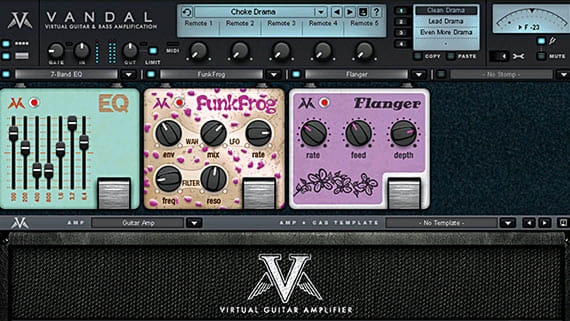
Vandal faithfully recreates guitar and bass amplifiers from tube tones to speaker coils using physical modeling technology. It includes four stompboxes, 50 presets, and three microphone setups. The full version (Suite only) offers 24 stompboxes, 70 presets, and additional microphone options.

Analogue Modeling Suite Plus

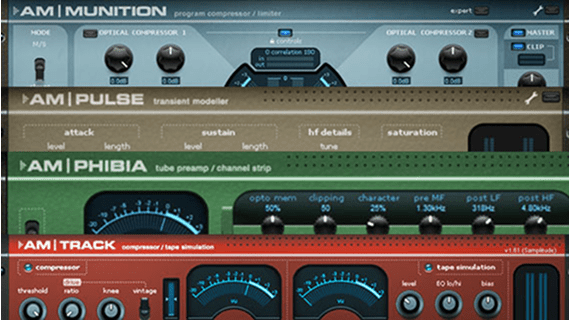
Classic analog compressors inspire the am|trackโ€™s sound and offer optional virtual tape saturation. Exclusive to Samplitude Suite: am|phibia tube preamp, edit percussive signal envelopes with the am|pulse transient designer, and the am|munition dynamics all-rounder.

essentialFX Suite

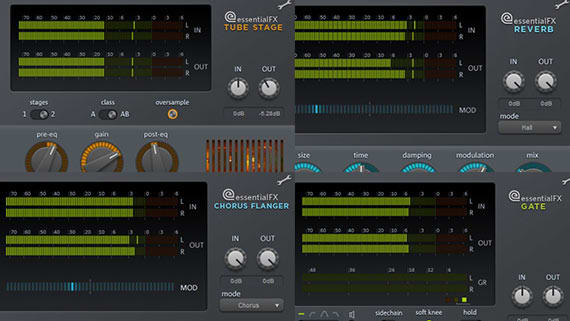
The essentialFX Suite includes 11 professional modulation and dynamic effect plugins. Includes classics such as flanger, tremolo, and chorus; specialized tools to optimize speech and vocal recordings; and a high-quality compressor.

Vintage Effects Suite

Vintage Effects Suite delivers three distinctive effects with an analog flair: Filtox, an Oberheim-inspired filter, controls the frequency response of modulated sourcesโ€”ideal for wah-wah effects. Ecox authentically emulates tape machine echoes, including wow and flutter. Corvex creates warm, analog-sounding chorus and flanger effects.

Cleaning effects

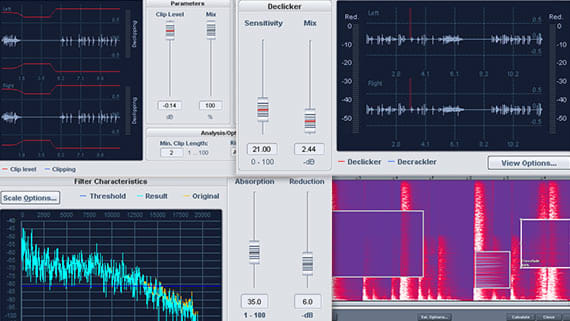
Spectral processing allows frequency-based cleaning directly at the track level. Remove noises like coughing or clapping without audibly altering the original signal. (Samplitude Suite only)

Additional cleaning plugins: DeHisser, DeClipper, and DeNoiser (Available in Samplitude and Samplitude Suite)

Third-Party Tools Only in Samplitude Suite

Mastering

Samplitude delivers a comprehensive high-end mastering feature set. All included effects are optimized for mastering applications. Easily visualize peak, loudness, frequency response, and phase coherence with customizable measurement tools.

Multi (Stem) Export

Export all project tracks as individual audio files, including all applied effects and routing configurations. This saves time because you don't have to activate each channel, solo, or mute individually during export.

Range Marker + Export

Organize your project into multiple sections and distinguish them visually. Use the range marker export to precisely select the tracks and sections you want to export. Itโ€™s perfect for exporting stems or creating submixes.

Improved Export Workflow

Export multiple selected ranges simultaneously as stems, such as two songs in a project. Simply select both ranges and export all tracks in one step. Save yourself time and many manual clicks.

sMax11 Brickwall Limiter

Maximum loudness without compromise. Choose from various modes to precisely control the sound and the intensity of the limiter effect.

Exclusive to Samplitude Suite: The limiter detects and takes into account inter-sample peaks to avoid distortion and ensure clean signal limiting.

Mastering and Authoring

Create Redbook-compatible masters in all possible formats โ€” uncompressed (linear PCM) or compressed formats โ€” on a wide variety of blank media.

Exclusively in Samplitude Suite: In addition to the physical gold master, you can also create a bit-accurate digital DDP master for transfer to the pressing plant.

MP3/AAC Preview Plugin

Exclusive to the Samplitude Suite: With the preview plugin, you can hear how the result will sound before exporting. This allows you to adjust encoding parameters early on and avoid artifacts or loss of high frequencies. It’s also ideal for exporting to special standards like Mastered for iTunes.

6 Plucked String and Bowed String Instruments

String Ensemble (Only in Samplitude Suite)

Discover the perfect mix of captivating string sounds from classical recordings to contemporary scores and effects.

Power Guitar (Only in Samplitude Suite)

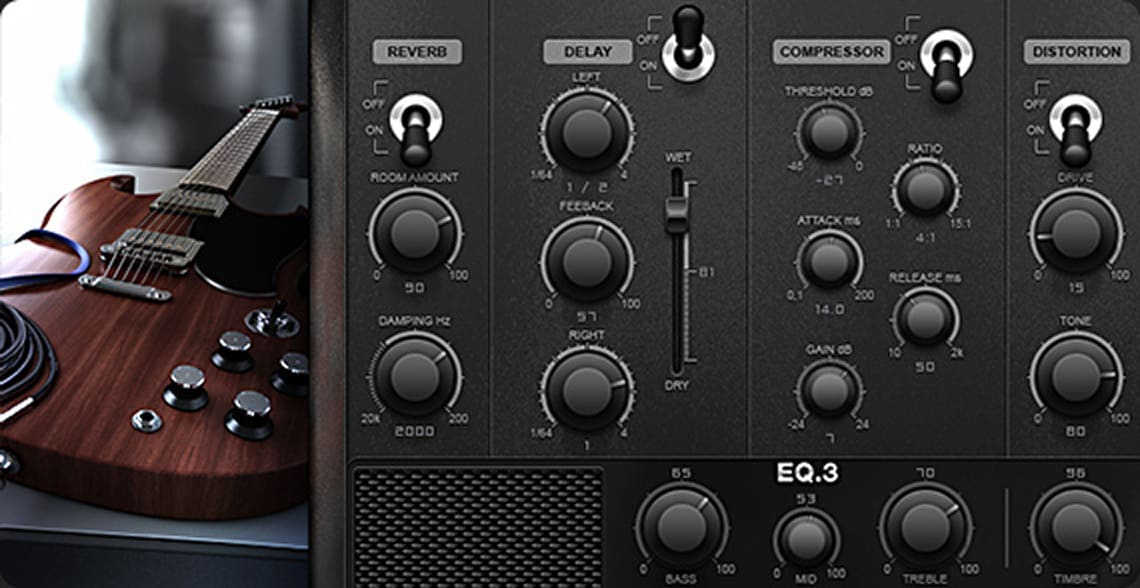
Phenomenal power chords, screeching slides, and powerful overdrives. Everything you need for a deep, full guitar sound.

Century Guitar (Only in Samplitude Suite)

The pristine sounds and melodies of clean guitar provide the experience of an authentic performance.

Concert Guitar (Only in Samplitude Suite)

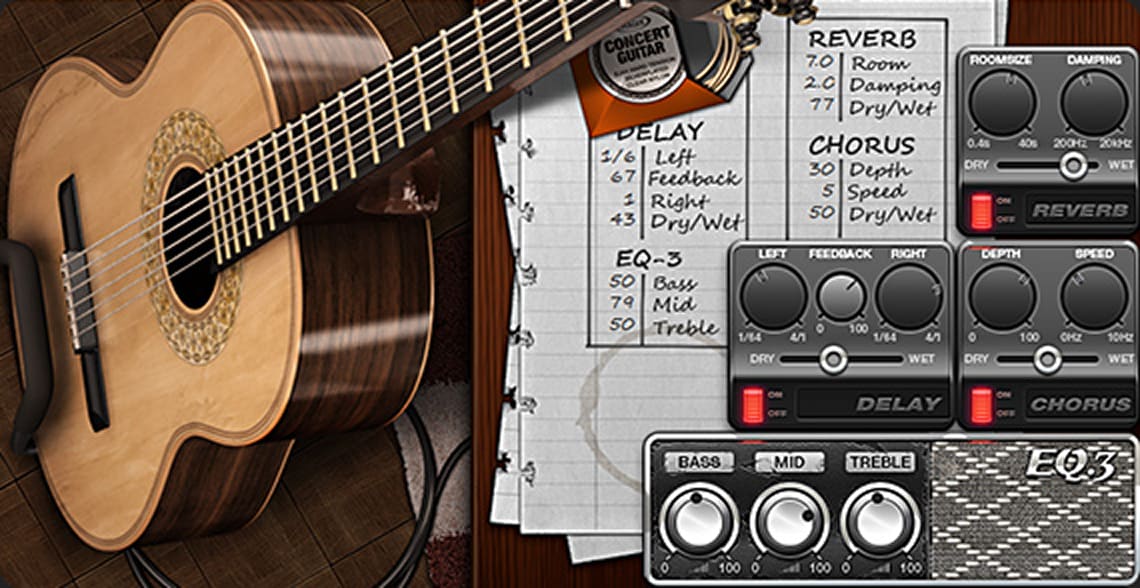
Create authentic guitar sounds with elegant picking techniques, subtle finger sounds, and delicate slides.

Electric Bass (Only in Samplitude Suite)

Perfect for laid-back funk riffs, soul ballads, or as a groovy foundation for modern music production.

Upright Bass

Ideal for adding character to any recording with sounds ranging from classical to funk to rock.

2 Wind Instruments

Pop Brass (Only in Samplitude Suite)

A brass ensemble for slick funk, fundamental orchestra arrangements, tight Latin rhythms, and the sound of the roaring 20s.

Saxaphonia (Only in Samplitude Suite)

These brilliant saxophone sounds add a special, unique touch to any genre of music.

12 Tiny Percussions

Barrel (Only in Samplitude Suite)

Thrilling drum rhythms ensure the perfect suspense โ€“ ideal for dramatic moments in movies.

Christmas Bells (Only in Samplitude Suite)

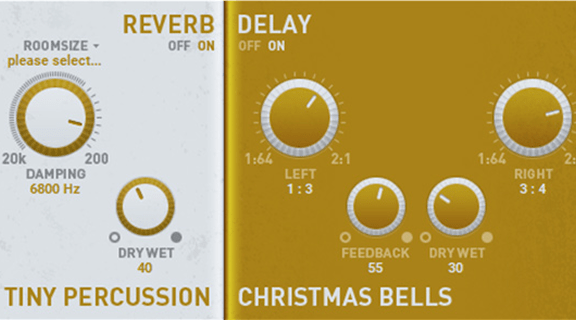
Add a festive atmosphere to any song.

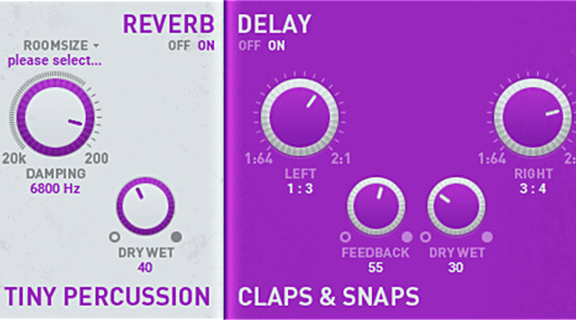
Claps & Snaps (Only in Samplitude Suite)

Light clap and snap sounds will inspire your listeners to start dancing.

Cowbells (Only in Samplitude Suite)

This unique bell sound is characteristic in the cha-cha and adds a Latin flavor to any track.

Darbuka (Only in Samplitude Suite)

Evoke the tales of the Arabian Nights โ€” perfect for Middle Eastern and belly dance music.

Djembe (Only in Samplitude Suite)

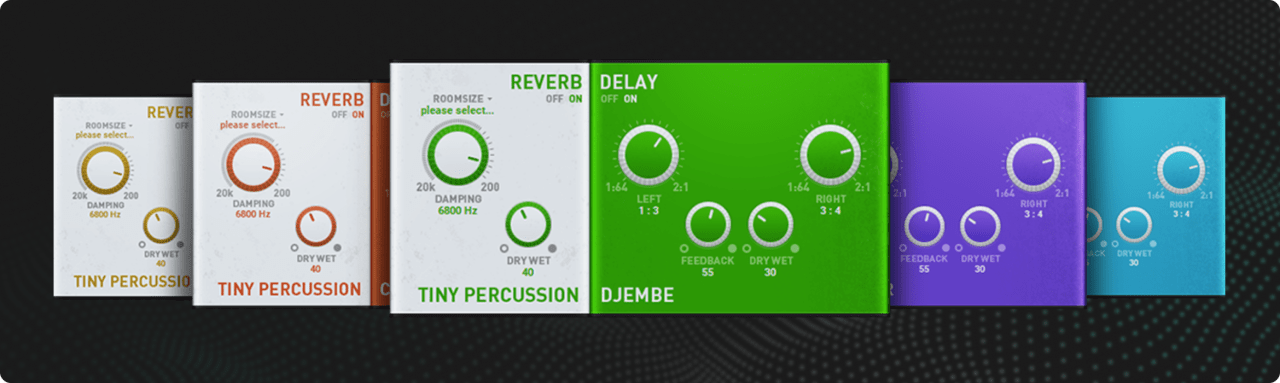
This popular goblet drum transports you on a musical journey across West Africa.

Doumbek (Only in Samplitude Suite)

Spark a musical fire in your listenersโ€™ ears using passionate rhythms created with this drum.

Tambourine (Only in Samplitude Suite)

Tambourine sounds are great for adding both rhythm and fine details throughout a piece.

Bongos

These drums sounds from Cuba add an exciting rhythm and a hot salsa flair.

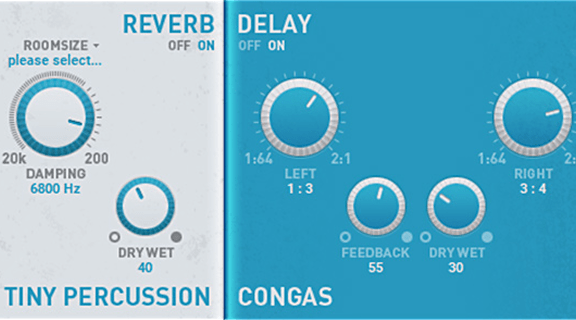
Congas

When the congas kick in, itโ€™s guaranteed to get everyone onto the dance floor.

Shaker

From pop and jazz to Latin sounds, the shaker can be used in any genre to create the perfect groove.

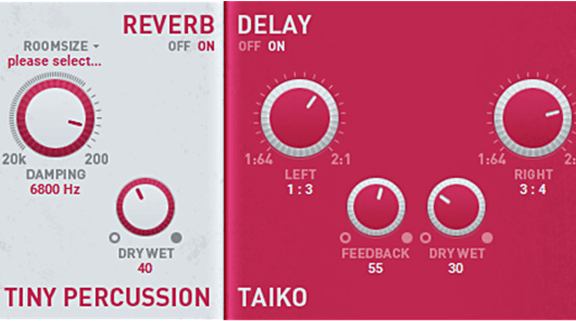
Taiko

Drum sounds from Japan that form the perfect backdrop to fast-paced fighting scenes and create a dramatic effect.

5 Drums, Percussions & Drum Machines

Soundtrack Percussion (Only in Samplitude Suite)

A wide palette of impressive bells, drums, timpani, gongs, and taiko drums to rhythmically build up the drama in film music.

World Percussion (Only in Samplitude Suite)

Sounds for bongos, congas, cowbells, gรผiros, shakers, vibraslaps, tambourines, and timbales that make remarkably exotic rhythms.

Jazz Drums

Drum sticks, brushes, tom toms, ride cymbals, and hi-hats create authentic groovy jazz sounds.

Rock Drums

Dynamic snares, powerful kick, and precise hi-hats. Supported by a wild electric guitar.

Drum Engine (Only in Samplitude Suite)

The classic sound and style of legendary drum machines and samplers.

3 Keyboard Instruments

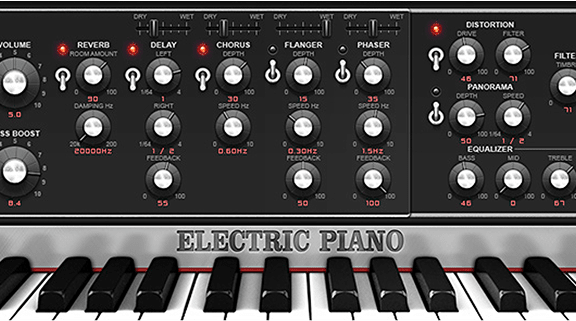
Electric Piano

An extremely versatile piano for jazz, melodic blue notes, or fully overdriven funky riffs.

Century Keys

An impressive collection of pianos and concert grands. Itโ€™s perfect for pop, rock, jazz, hip hop, soul, R&B, and house.

Vintage Organ (Only in Samplitude Suite)

Capture the classic organ sounds of the 60s and 70s with unbelievable precision and authenticity.

5 Synthesizers

Lead Synth

This polyphonic synth specializes in catchy lead sounds, growling sawtooth, and smooth phatty sounds.

Bass Machine

This bass machine delivers the ultimate bass lines with a powerful, bone-rattling tone.

DN-e1

DN-e1 is ready for the club with driving electric sounds abd vibrating bass.

Revolta 2

Perfect for creating electronic dance tracks with energizing beats and playful synth lines.

Space Pad (Only in Samplitude Suite)

Out of this world spacey sounds that add a nostalgic 80s synth pop flair.

4 Additional Instruments

Vibraphone (Only in Samplitude Suite)

This jazz classic fits perfectly into any arrangement and will add that special something to any music project.

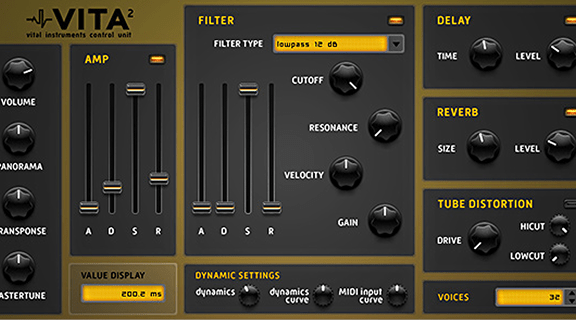
Vita 2

Discover a ton of rich sounds in a single plugin.

Vita Sampler

Play every loop like an instrument with the Vita sampler.

Orchestral Ensemble

Full orchestra, brass, woodwind, percussion, and strings with an impressively authentic sound โ€“ ideal for arranging a film score.

Samplitude is used by the best of the best. Find out which features musicians, producers, and engineers use most. Youโ€™ll gain insight into the workflows of the pros, from creative inspiration to implementation and mastering.

"I use Samplitude for all my tracking and mixing, and most of the writing too! I love its object-based processing and the cut features with automatic fades. I do a lot of cutting and slicing when Iโ€™m writing and recording. Samplitude allows me to be really creative with cutting something up and editing each slice separately. I also use it to check looping points and edit my masters."

Jack Steadman

Lead Vocalist, Pianist, and Guitarist of Bombay Bicycle Club

References

Bombay Bicycle Club

"In 2000, I changed my entire studio to a PC-based system with Nuendo 1. After struggling for almost two years on that software and hating the sound, someone suggested I try Samplitude. I did and was elated with its ease of use and layout workability. Iโ€™ve been with it ever since. Iโ€™ve tried every app on Mac and PC. Nothing can replace what Samplitude and Sequoia do for me. They are all I use and all I need. I canโ€™t go back. Plain and simple."

Mitch Malloy

Composer, Producer, Mixing and Mastering Engineer, Rock Star, and Guitarist

References

Taylor Swift, Van Halen, Great White, Boys Like Girls, Kenny Loggins

"As a studio designer, I've seen Samplitude and Sequoia used in the vast majority of the Mastering Studios I've designed, including by the likes of Sterling Sound NJ & Nashville, Brad Blackwood at Euphonics Masters, Heba Kadry, Josh Bonati, and Adam Gonsalves. That says a lot about the quality and reliability of the product. Our rooms reveal the slightest detail; only the most transparent DAW software and processes will do."

Thomas Jouanjean

Northward Acoustics, Acoustic Engineer

References

Sterling Sound, Euphonic Masters, Bonati Mastering, Telegraph Mastering

Oleksa Lozowchuk

Music Director, Composer, and Producer

References

Damian Taylor (The Prodigy, Evanescence, Bjรถrk) | FIFA 20 VOLTA (EA), Dead Rising 2, 3 & 4 (Capcom Vancouver) | Former Music Director at Capcom Vancouver | Musik for Netflix, Apple, Disney, Microsoft, McDonald's

"Iโ€™ve been using Samplitude and Sequoia for almost 20 years now. I canโ€™t imagine working without them. They allow me to achieve flow more quickly than any other DAW. I really couldnโ€™t function at this level without Comparisonics viewing, object-based editing, and its in-line spectral editing and solid cross-fade workflow. It helps bring my ideas to life."

Garry King

Drummer, Drum-Recording Engineer, and Producer

References

Jeff Beck, Joe Lynn Turner (Deep Purple), Tom Bee (Sound of America Records), Rick Hale | Music for TV and Film

"Iโ€™ve really only touched the tip of the iceberg of what the program can do, but I just love everything about it. Samplitude is like a box of non-stop surprises. Itโ€™s so simple, yet it has everything you can dream of and looks great on screen. The restoration side of Samplitude is just crazy, so easy to clean up clicks and pops, hums, and noise. Itโ€™s a very speedy, economic way of doing things."

Brisk Fingaz

Producer

References

Kool Savas, Fler, Samy Deluxe, Kollegah, Farid Bang, Eko Fresh, Haftbefehl

"The difference between Samplitude and other DAWs is that you can work with waves better and more quickly. My workflow includes a lot of work with waves: setting the drums, cutting samples into the project, setting pitches, time stretching, cross-fading, and integrating VSTs. Itโ€™s all super quick and easy with Samplitude. The mixer in Samplitude is so awesome that you donโ€™t even need an external mixer, especially with all the plugins that are available today."

Rick Hale

Composer and Producer

References

Latin GRAMMY nominee | Micky Cruz, Garry King, Jimmy Shendo

"I love Samplitude! It is the most comprehensive DAW I have used to date. Not only is it well laid out with many powerful features, but it also has outstanding sound quality! The EQs, Compressors, and plugins all have a very rich and almost analogue nature. The bundled soft-synths and quality sounds are vast and diverse, yet simple to add in and use. Samplitude is loaded with goodies. I highly recommend it to anyone who is serious about the quality of their production and music."

OZD

Composer, Producer, Arranger, Mixing/Mastering Engineer, and Musician

References

Tulia, Formacja Niezywych Schabuff, Feel, Kasia Popowska, Agnieszka Adamczewska, The Underground Man | Rodzinka PL (TV Show)

"I almost do everything from drafting a composition and recording through MIDI to sound design and the final mixing to the mastering process. I've trusted Samplitude as my main tool for almost 18 years. It has an object-oriented engine, great onboard plugins and meters, classic intuitive GUI design ready to be customized, and mastering tools โ€” all in one. I love this DAW."

Joey Stuckey

Composer, Producer, Singer/Songwriter, Recording Engineer, Guitarist, and Professor of Music Technology at Mercer University

References

I am proud to use Samplitude, SOUND FORGE, and VEGAS Pro on my music and video productions. The quality of Samplitude is truly remarkable. Its power and flexibility are without compare and most importantly, it sounds great! I also want to thank the team for working to make their products accessible to blind music professionals."

Siegfried Meier

Producer, Recording/Mixing/Mastering Engineer and Songwriter

Kittie, Baptized in Blood, Woods of Ypres

"The object editor and the ability to burn directly from the application are huge. Also, the way Samplitude handles ISRC codes and other CD text is very important to my workflow. The overall vibe of editing is also fantastic. The application has just always been super snappy and responsive.โ€

As a user for over 20 years now, I've really watched the program grow. Seeing others copy features that were in Samplitude decades ago, makes me giggle. No other DAW lets me work as fast as Samplitude. The sound of the program is second to none."

Jean-Philippe Rykiel

Virtuoso Keyboardist, Composer, Sound Designer, and Arranger

References

Leonard Cohen, Salif Keita, Youssou N'Dour, Amadou & Mariam

"I chose Samplitude because some of my friends were using it, even in the classical music domain. They raved about its sound quality. Some others, in the more pop domain, were also crazy about what Samplitude could do, particularly its concept of objects, which was a new and very interesting way of working with sound."

Mike Woloszyn

Sound Designer, Composer, and Sound Engineer

References

BMW, DTM, Nike

"I am a post-production specialist and sound designer based in Berlin. A balance between speed and quality is essential in my field. It continues to impress me that Samplitude and Sequoia require so few resources to work on highly complex sound design. I love the way the object editor offers me a complete channel strip for every single audio snippet. Samplitude has completely revolutionized object-based work.The latest versions of Samplitude and Sequoia have added many new practical features that make my work even faster, clearer, and more user-friendly. A life without Samplitude/Sequoia is possible, but wouldn't make any sense."

Juan "Punchy" Gonzalez

Producer, Mixing, Mastering, Live Engineer, Video Maker, and Lead Singer/Guitarist in Cosmic Punch

References

Samplitude is my mainstay for doing professional mastering work and is my go-to software for nearly two decades. It is hands-down the best tool for the job, from the ability to visualize your audio to delivery."

Michael Mulholland

Singer, Songwriter, Musician, and Film Composer

References

The Fighter, The Dilemma, Veronica Mars | Guitar Hero II (Activision)

"I'm new to Samplitude and in my short time working with it and going through the learning curves, Iโ€™m finding it to be incredibly amazing. Every option, every need, every plugin, every VST and VSTi, etc., is there. Iโ€™m recording live drums, live amped guitars, and micโ€™d piano. Its MIDI abilities are outstanding and simple to use. There are so many options when preparing for a new production. There are plenty of templates to choose from, and starting a new session without templates is as simple as it gets. Samplitude is humongous. Itโ€™s the giant of DAWs."

Dennis Fuchs / NACHOBENmedia

Producer, Composer, Video Maker, Photographer

References

Prinz Pi, Animus, Rap City Berlin II DVD, 1. FSV Mainz 05, Freizeit-Land Geiselwind

"When I started making music in 2000, I used to produce beats for rappers (or my own) and sometimes rock songs. In 2016, I shot a no-budget mountain tour documentary and came to Samplitude for the soundtrack production. Nowadays, with my orchestral productions, Iโ€™m always amazed at how fast and uncomplicated I can design my workflow when composing using internal and external plugins, and during the later mixing process with Stems. The overview of the DAW in the arrangement and the analysis tools is very pleasant."

Tutorials

Need Help? We've Got You!

Samplitude Forum

A place for Samplitude users to discuss tips, tricks, product feature requests, and best practices.

Forum

Samplitude Support

Search technical questions or open a ticket with our knowledgeable support team.

Support

Discord

Join our Samplitude Discord to exchange tips, get quick help, and connect with fellow VFX artists.

Discord

Frequently asked questions

What is Samplitude?
How to install Samplitude?
Is there a trial version of Samplitude available?
How much does Samplitude cost?
Is Samplitude available for macOS?
What's the difference between Samplitude Suite and Samplitude?
How do you download and install additional plugins and tools?
How do I install and license the third-party tools for Samplitude Suite?
Can you use Samplitude for video?
Where are my Samplitude files saved?
Can I customize shortcuts in Samplitude?
Can I activate Samplitude on more than one computer?
Can’t see your question listed above? Visit our Help Center

Not ready to purchase yet?
Get started with Samplitude now

Simply download the Boris FX Hub and install Samplitude. After installation, you can register for a free 15-day trial. Youโ€™re ready to begin creating with Samplitude.

Please select your language

The website is currently localized into the following languages